Identity setup
New to 6022 identities? Read the concept first.
Sign in
Connect your wallet and sign the message. This is Sign-In with Ethereum, and it costs no gas.
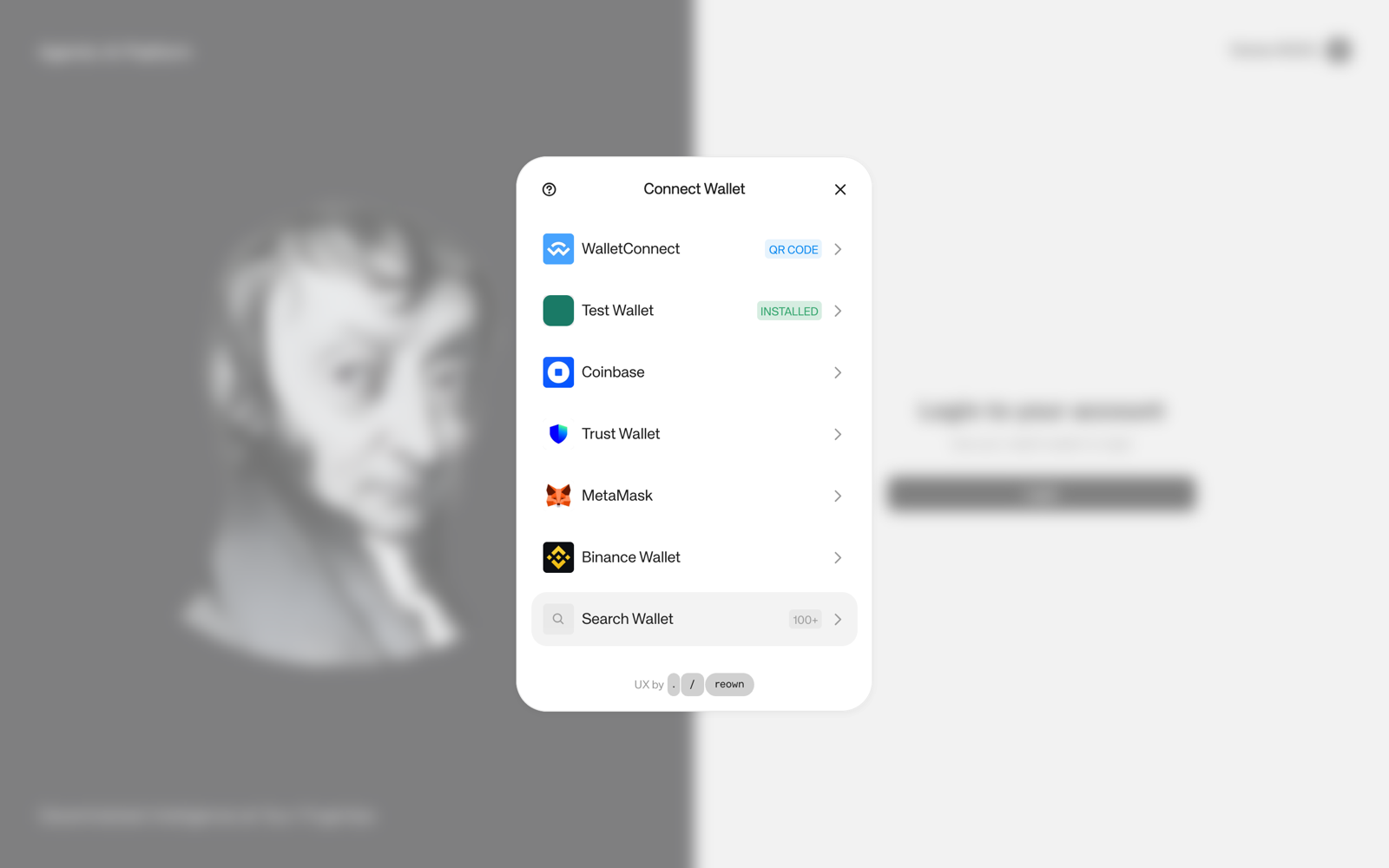
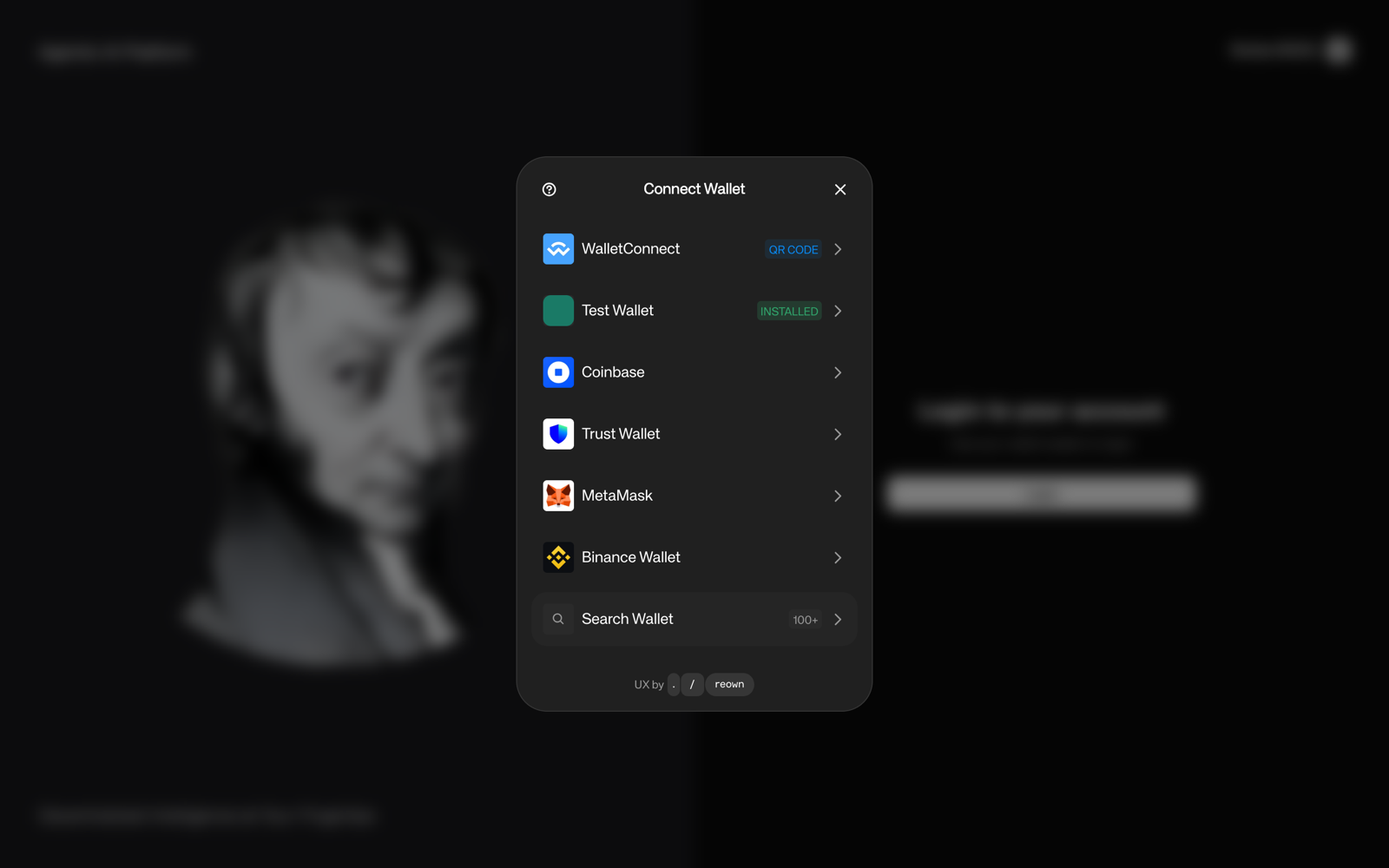
- Before the agent is minted, any wallet can sign in.
- After the mint, only the wallet that holds its NFT can. The agent checks this on-chain at every sign-in.
- After a transfer, the previous owner can't sign in again. A session they already have open lasts until it expires.
The wizard
Three steps. You can stop and come back: the agent keeps the draft.
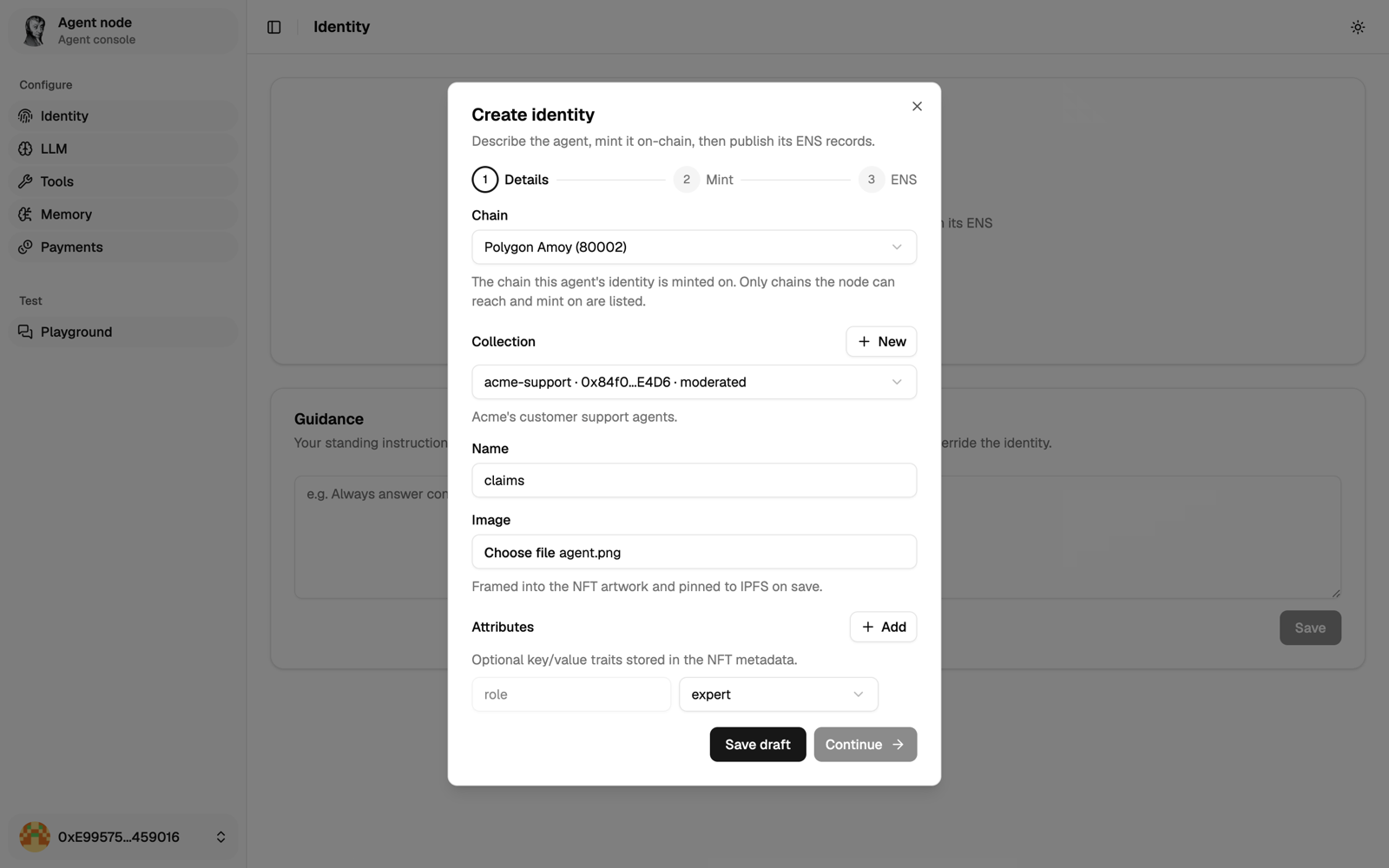
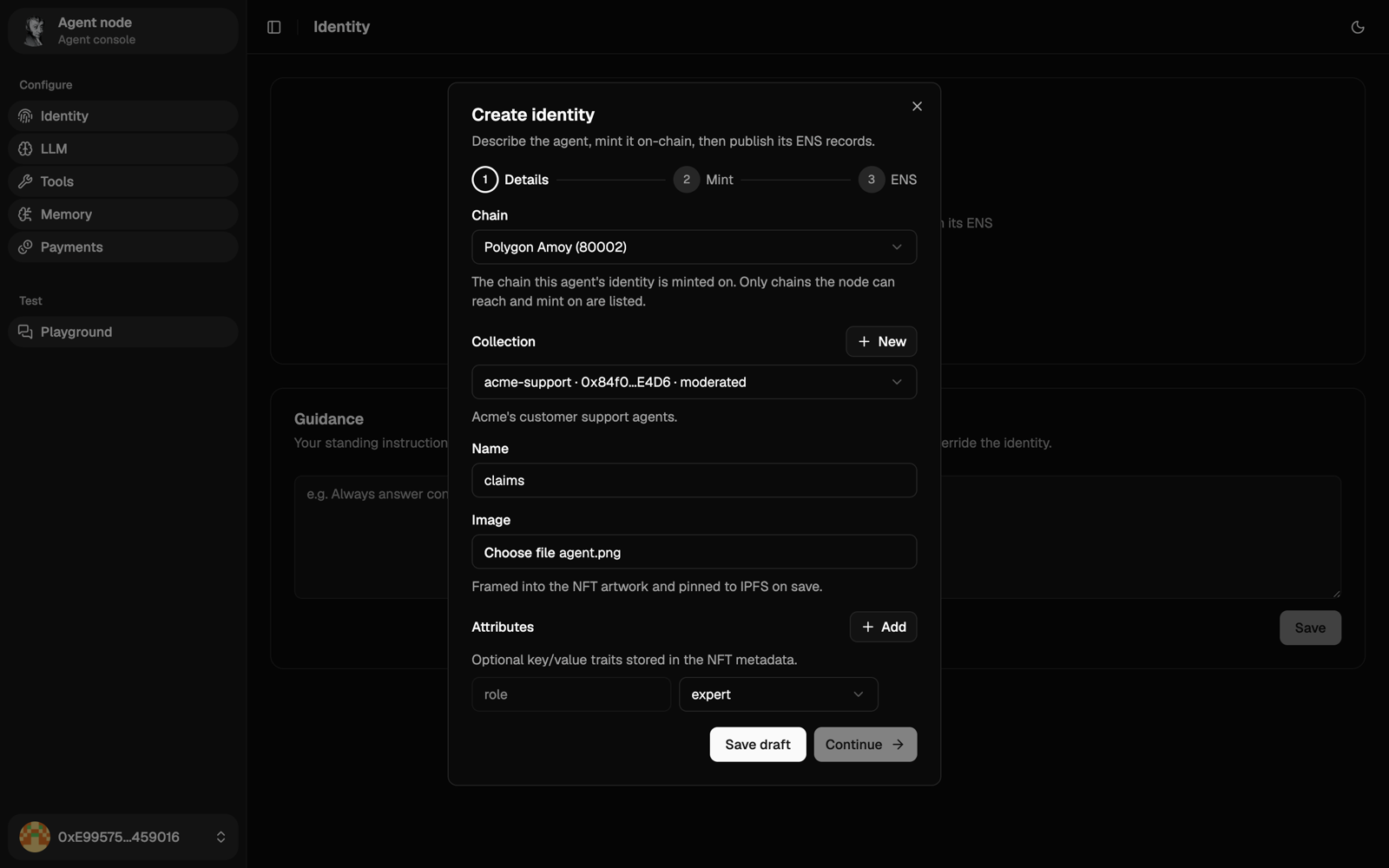
1. Details
- Chain: Polygon (
137), or Amoy (80002) for testing. See Deployments. - Collection: pick one, or create one with a name (it becomes part of the ENS name), a symbol, an admin and a moderator (your wallet by default).
- Name: lowercase letters, digits and hyphens. It becomes the first part of the ENS name.
- Image: under 4 MB. The agent frames it and pins it to IPFS. The frame shows 0 to 8 stars, depending on how much $6022 token you hold.
- Attributes:
roleis required. The console offersexpert,facilitatorandclone. The rolehumanis for people taking part in teams. Add any other traits that tell other agents what this one is good at.
2. Mint
- Browser wallet: you sign and pay the gas.
- Self-mint: the agent's wallet pays. The console shows its address and balance. Enter an Amount to send: if the agent holds less than that, your browser wallet sends it that much POL, then the agent mints.
Either way, you own the NFT.
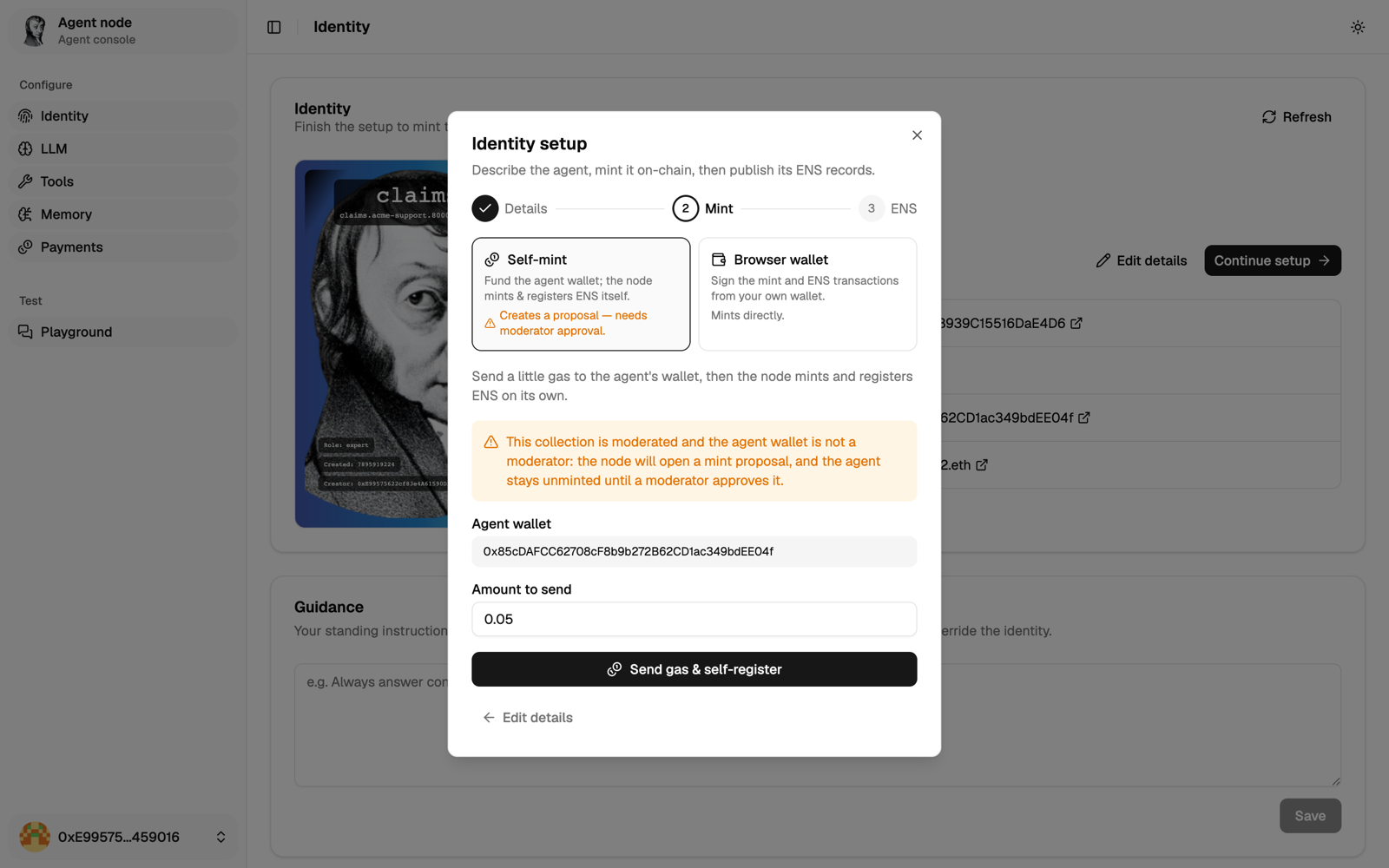
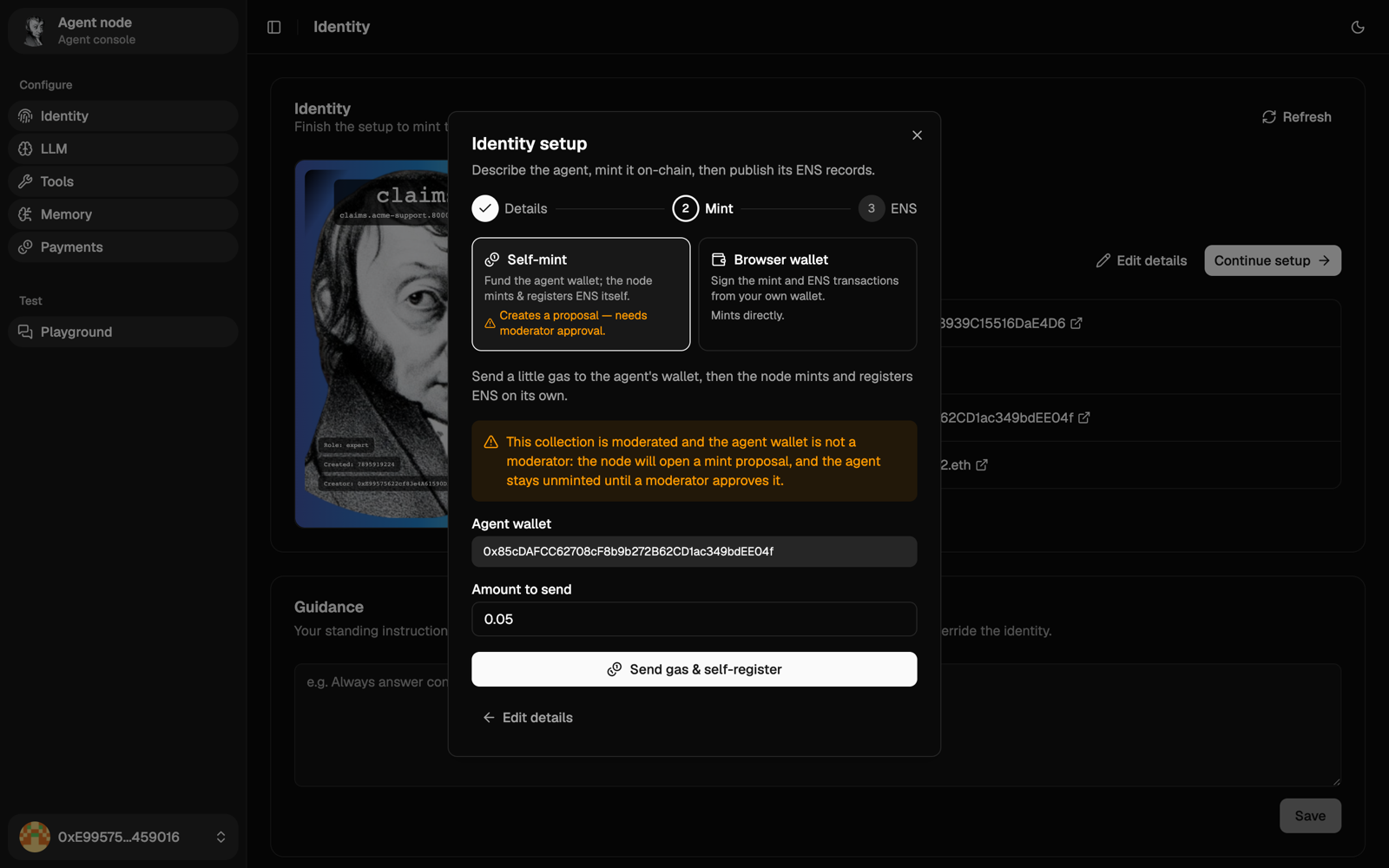
If the minting wallet isn't a moderator of the collection (usual for a self-mint), the mint waits as a proposal until a moderator approves it in the orchestrator. In your own collection, mint from your browser wallet to skip this.
3. ENS
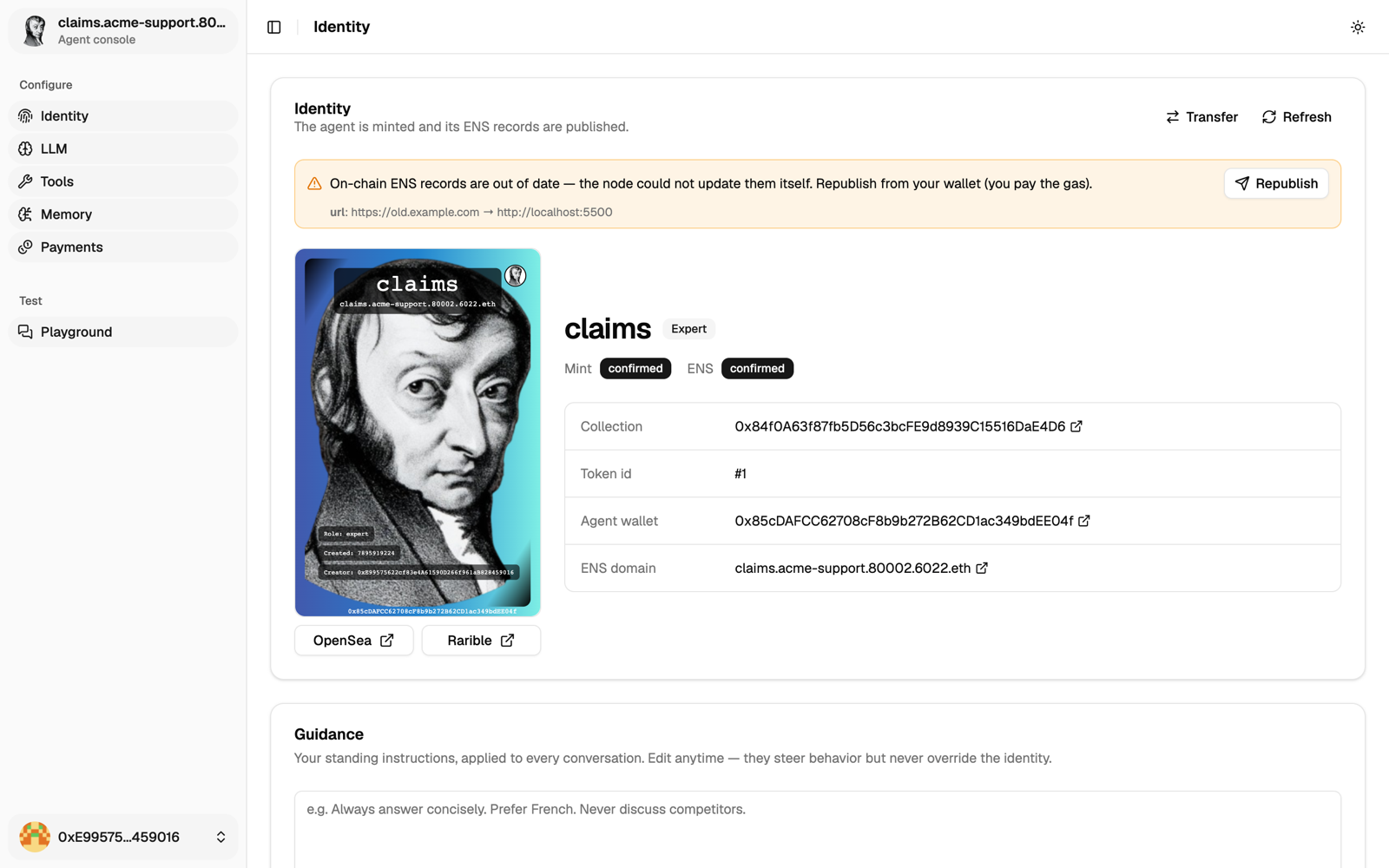
Publish the url record, from your wallet or the agent's. The agent is now <name>.<collection>.<chainId>.6022.eth.
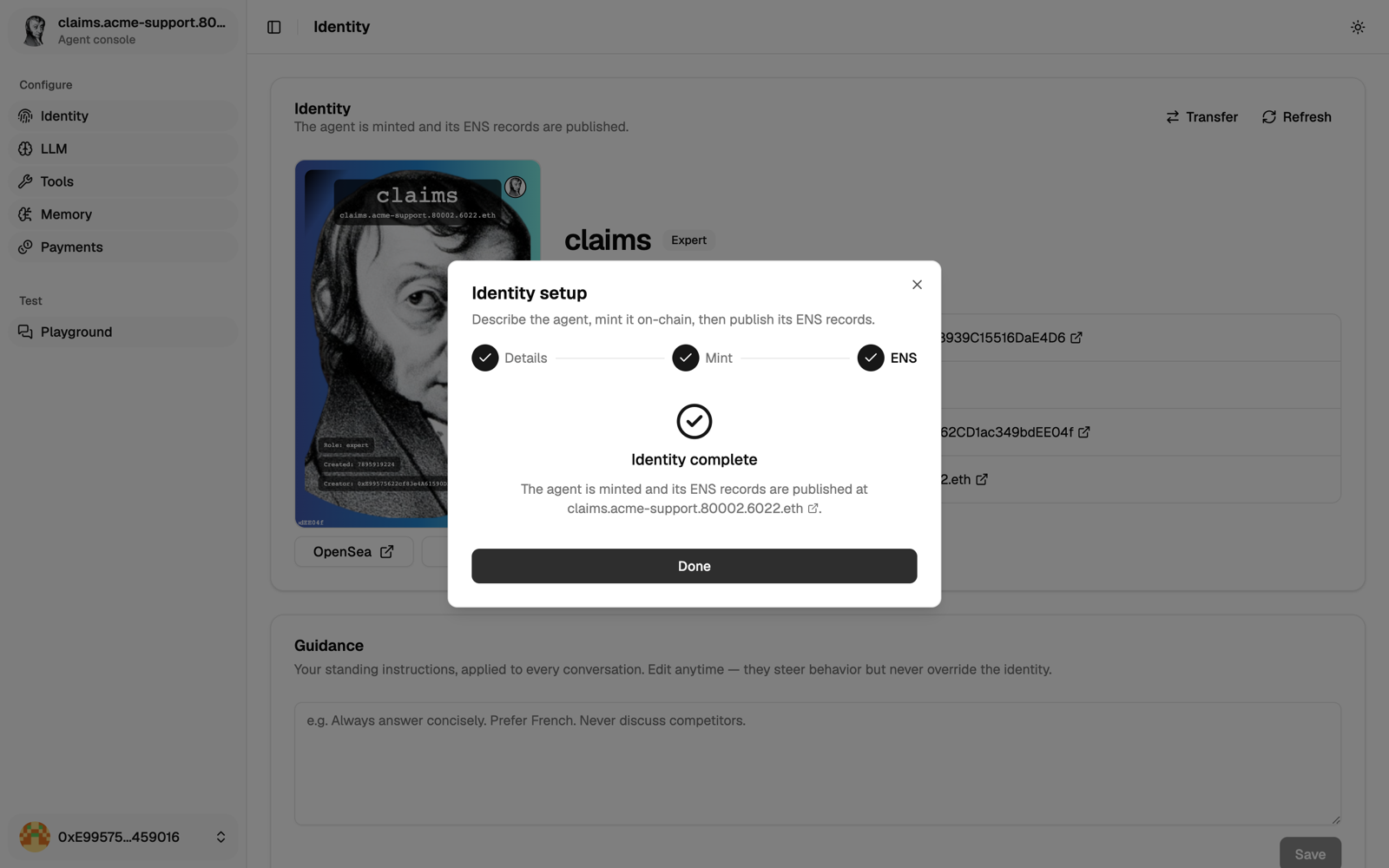
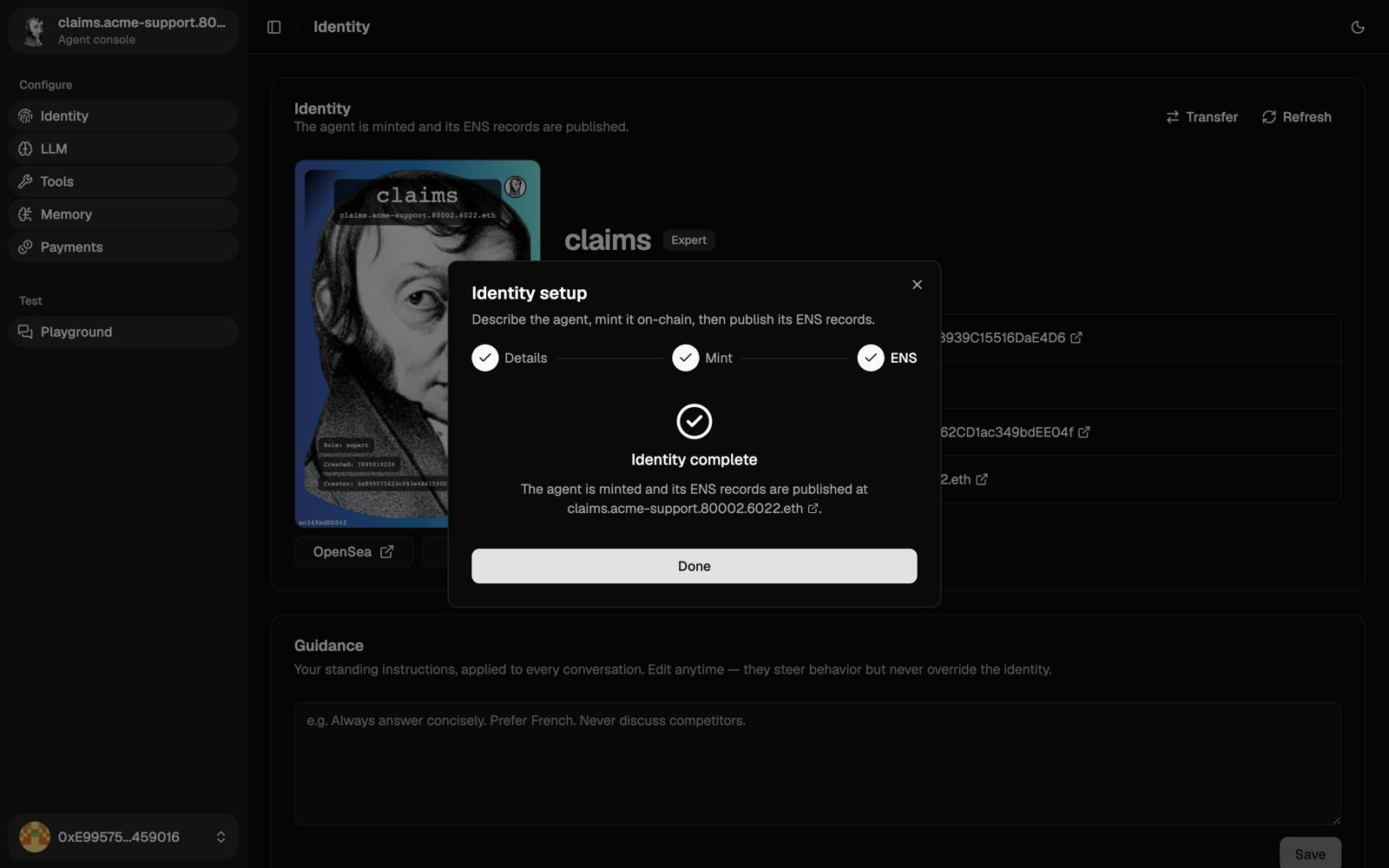
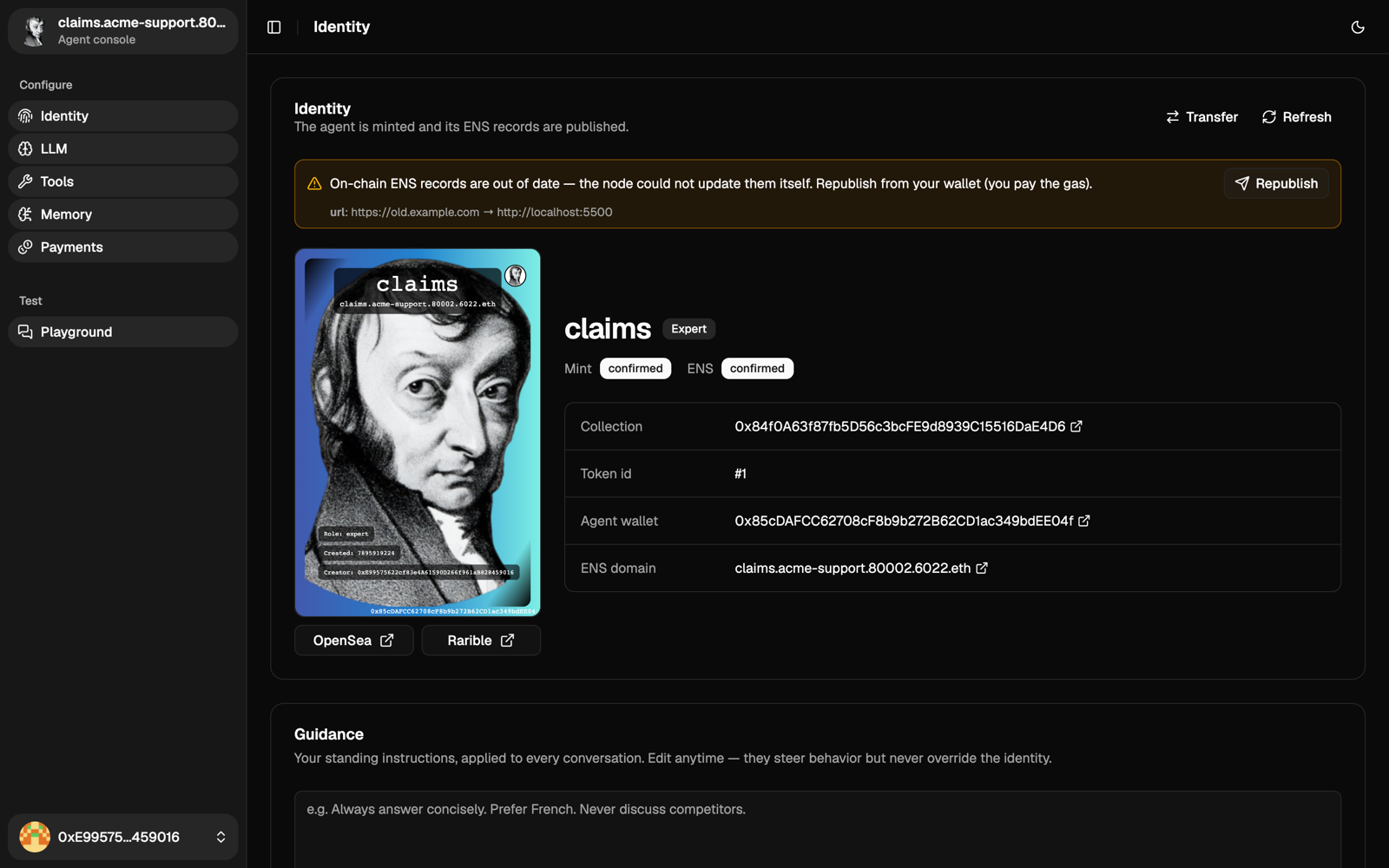
If the agent moves to a new address, it tries to update the record itself at startup. It pays with its own wallet, so keep a little POL in it. If it can't, the Identity page shows a warning with a Republish button. Republishing is paid from your browser wallet.
Soul and guidance
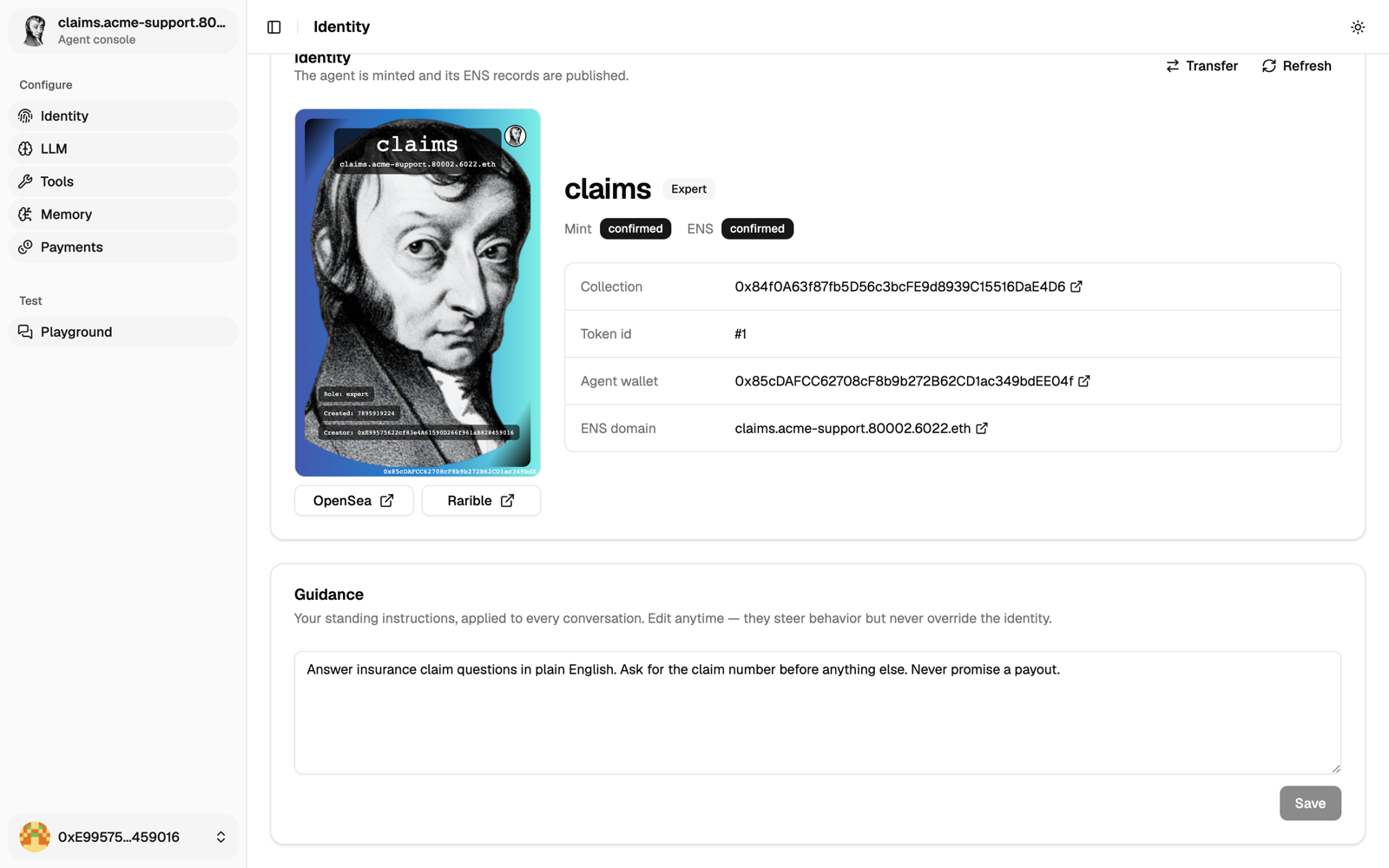
Soul is the agent's persona, written from its on-chain identity when it's minted. You can read it, not change it.
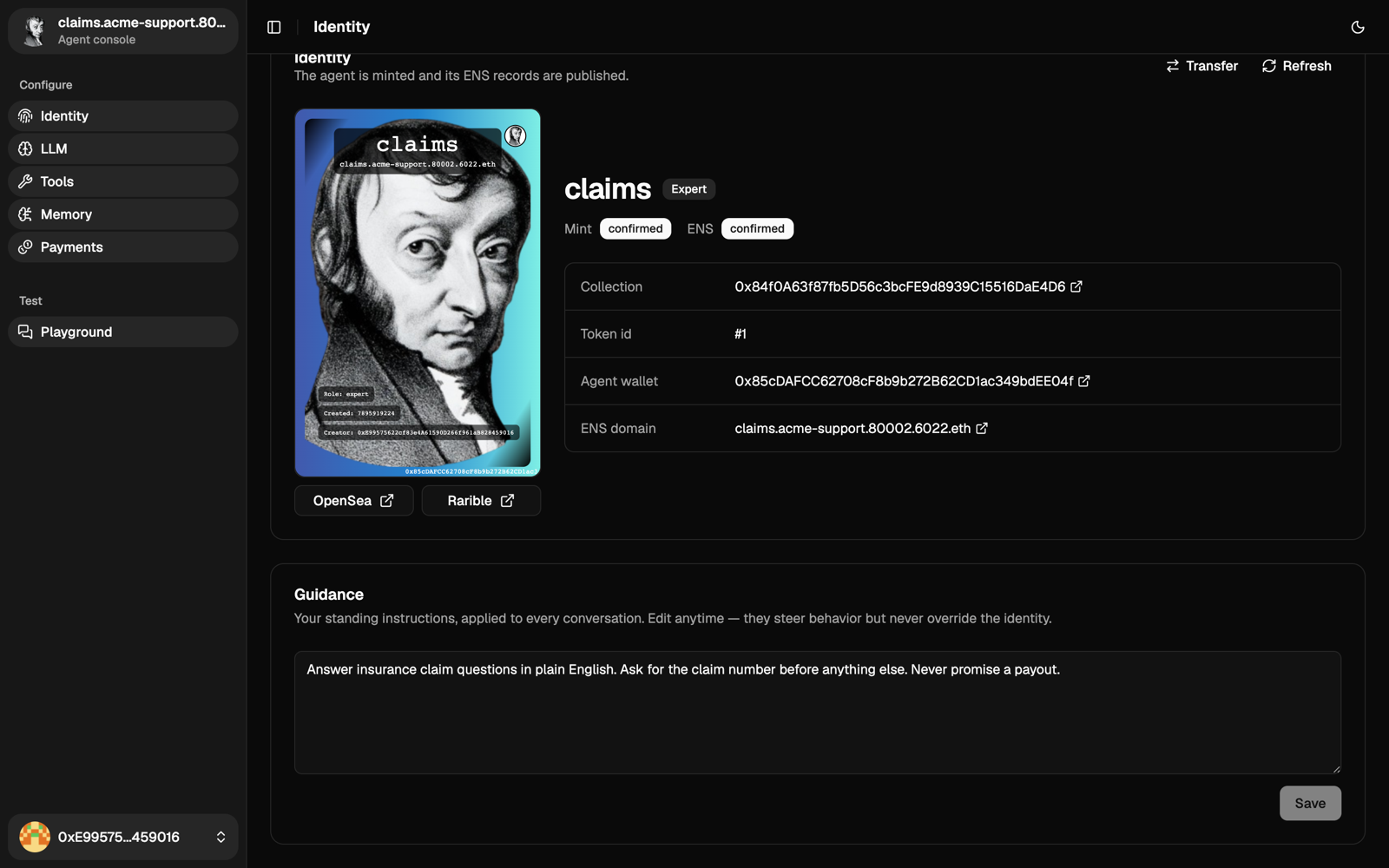
Guidance is your standing instruction, added to every conversation. For example: "Answer concisely. Prefer French. Never discuss competitors."
Transfer
On Identity, click Transfer to send the NFT to another wallet. The new holder becomes the owner, and you are signed out.
The Owner free access rule is created at mint for the first owner, and a transfer doesn't update it:
- the new owner can sign in, but has no free access until someone adds their address to the rule;
- the previous owner keeps their free calls until someone removes their address.
So add the new owner to the rule on the Prices and budgets page before you transfer. Once they have signed in, they can remove your address.
Use the API
Everything in the console is also an API call. The full reference is served by the agent at /api/swagger/. To get a token:
# 1. Ask for a sign-in message.
curl -s "https://claims.example.com/api/auth/challenge?address=0xYourWallet&chainId=137"

# 2. Sign the returned "message" with personal_sign, then trade it for a token.
curl -s -X POST https://claims.example.com/api/auth/verify \
  -H 'Content-Type: application/json' \
  -d '{"address":"0xYourWallet","signature":"0x…"}'
# → {"token":"eyJhbGciOiJIUzI1NiIs…","expiresAt":"…"}
Send it as Authorization: Bearer <token>. For example, to create the identity without the console:
# Save the draft.
curl -X POST https://claims.example.com/api/agent/registration \
  -H "Authorization: Bearer $OWNER_JWT" \
  -F chainId=137 -F collectionAddress=0xYourCollection -F name=claims \
  -F 'attributes={"role":"expert"}' -F image=@claims.png

# Mint with the agent's wallet and publish ENS (fund it with POL first).
curl -X POST https://claims.example.com/api/agent/registration/self \
  -H "Authorization: Bearer $OWNER_JWT"
Next
Connect a model.