Models
A 6022 Agent reasons with one model. Choose it on the LLM page: pick a provider, a model, paste the API key and save. The key goes to Vault and is never shown again.
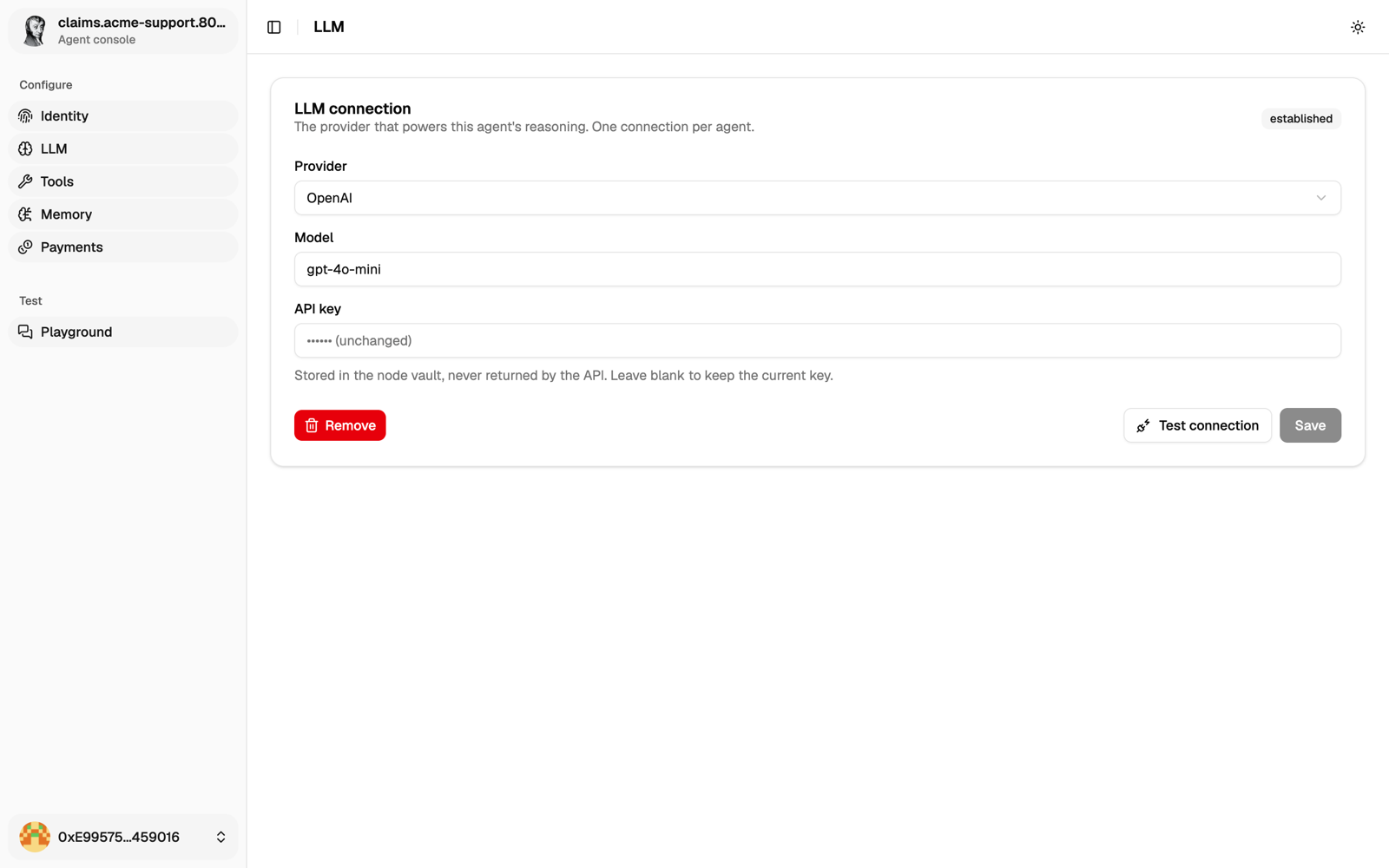
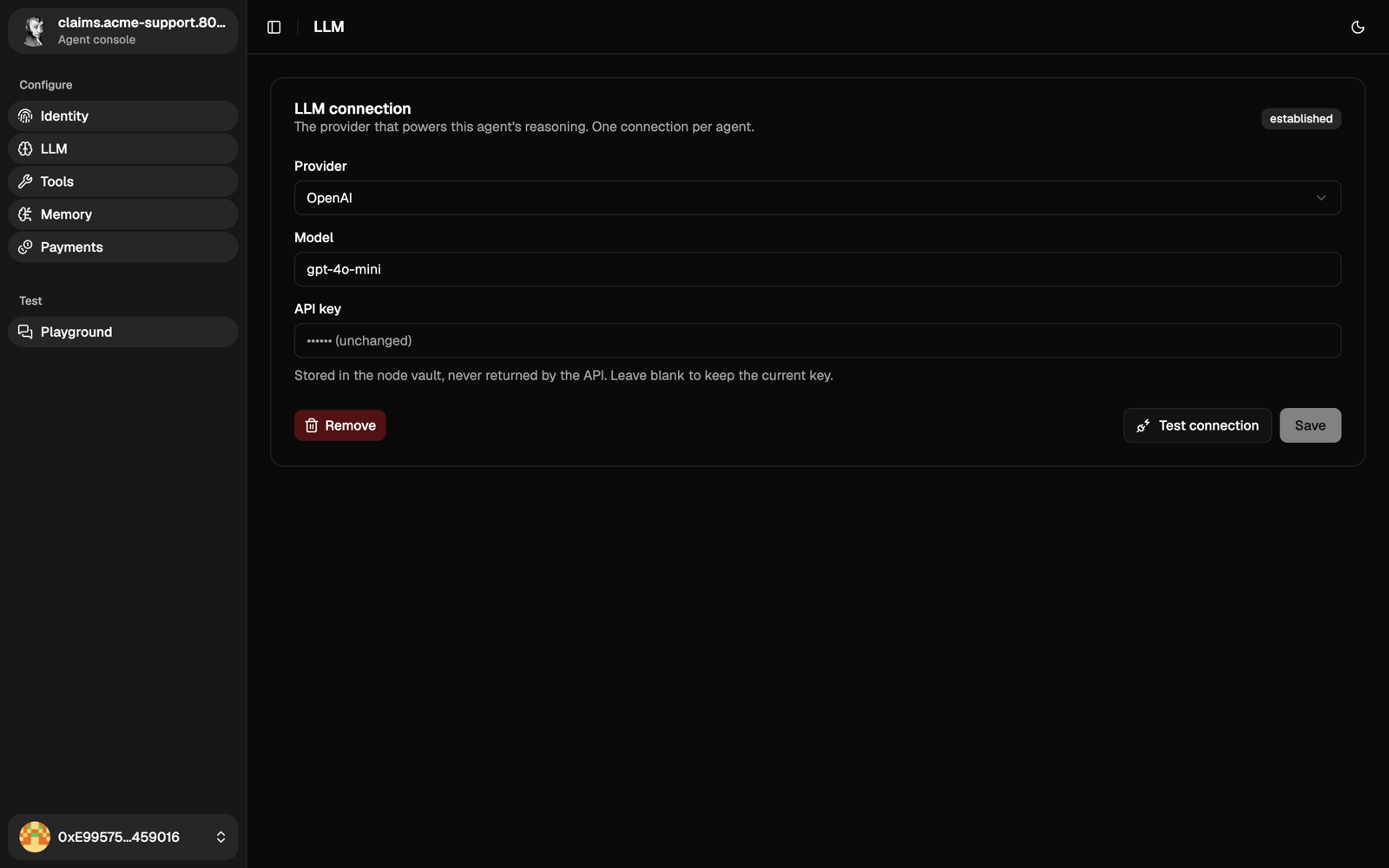
Once the agent is minted, send a first message in Playground before anything else. If that works, later problems are not about the model.
Providers
| Provider | API key | Current models |
|---|---|---|
| Anthropic | console.anthropic.com | Models |
| OpenAI | platform.openai.com | Models |
| Mistral | console.mistral.ai | Models |
| DeepSeek | platform.deepseek.com | Models |
| xAI | console.x.ai | Models |
| LibertAI | libertai.io | Models |
| Amazon Bedrock | AWS console, see below | Models |
| Ollama | None, see below | Library |
Copy the exact model id from the provider's page, and pick a model that supports tool calling.
Hosted providers are the quickest way to start, but your prompts go through them. If that matters, run an open-source model yourself with Ollama.
Amazon Bedrock
Set the base URL to the regional endpoint, for example https://bedrock-runtime.us-east-1.amazonaws.com. The console reads the region from it. The key must be an Amazon Bedrock API key (IAM access keys don't work). Request access to the model in that region first.
Ollama
Run Ollama on a machine the agent can reach:
ollama pull <model>
OLLAMA_HOST=0.0.0.0 ollama serve
Then pick Ollama, enter the model name exactly as ollama list shows it, and the base URL. The agent runs in a container, so localhost won't work: use http://host.docker.internal:11434 on the same machine, or the machine's network address.
A 7B model needs about 8 GB of RAM, a 70B model about 64 GB. A GPU makes a big difference.
When it doesn't answer
| Symptom | What to check |
|---|---|
401 or 403 | The key belongs to this provider and the account can use this model. |
404 | The model name, and the base URL if there is one. |
429 | You hit the provider's rate limit. Wait or lower traffic. |
| Connection refused (Ollama) | ollama serve is running and reachable from the container. |
| Model not found (Ollama) | The name matches ollama list exactly. |
If the same key and model work outside the agent, the problem is the configuration. Otherwise it's the provider.
Next
Choose the agent's tools.