Prices and budgets
The Payments page has two sections:
- Payment policy decides who can call the agent, and at what price.
- Spending policy decides what the agent may pay others. The Payments concept explains how x402 works underneath.
Who can call your agent
A new agent has a single rule, Owner free access. It makes calls free for you and for the agent itself. Everyone else gets a 402 with nothing to pay. So nobody else can call your agent until you add a rule.
This rule is created at mint and doesn't follow a transfer: update it yourself when the owner changes.
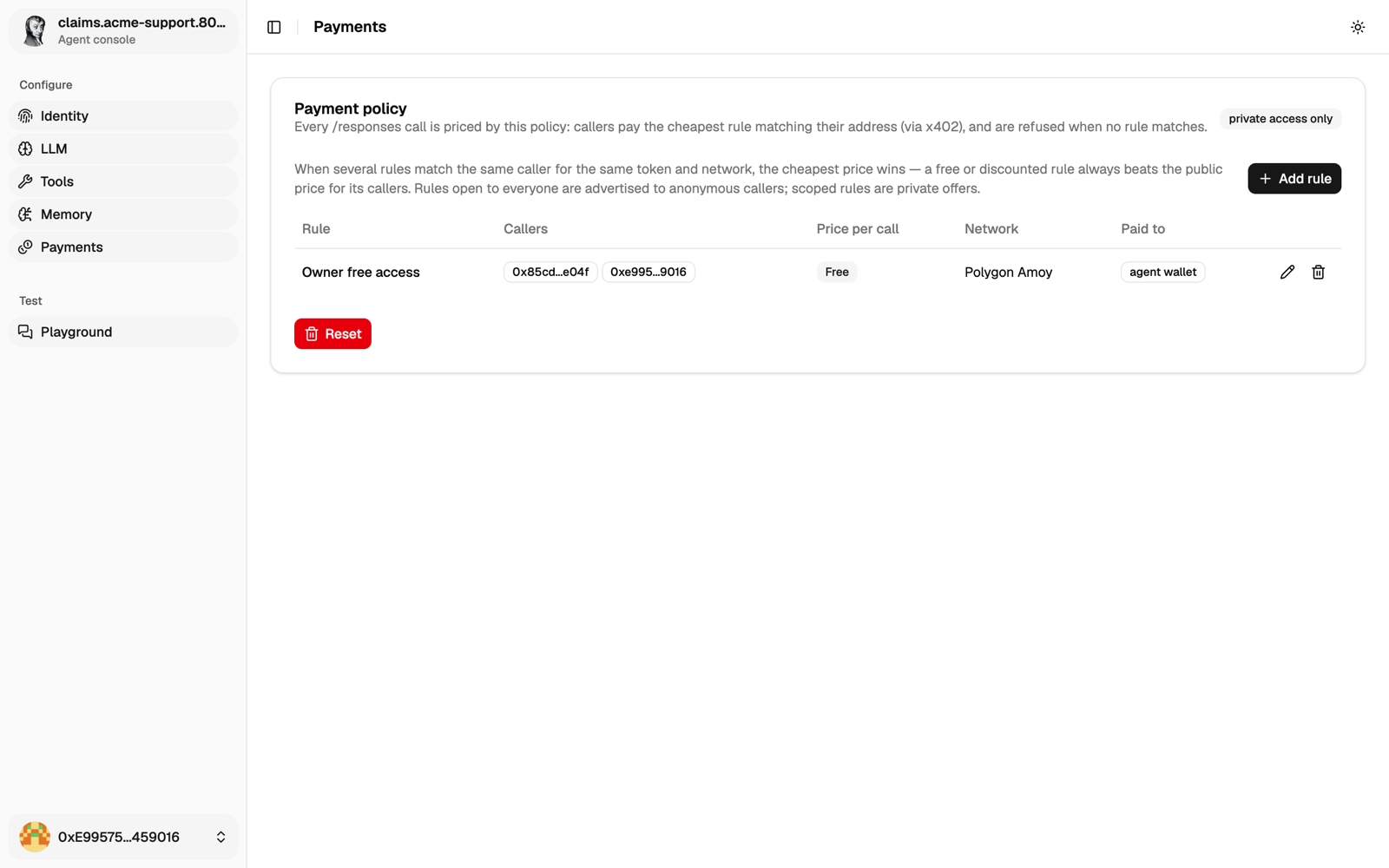
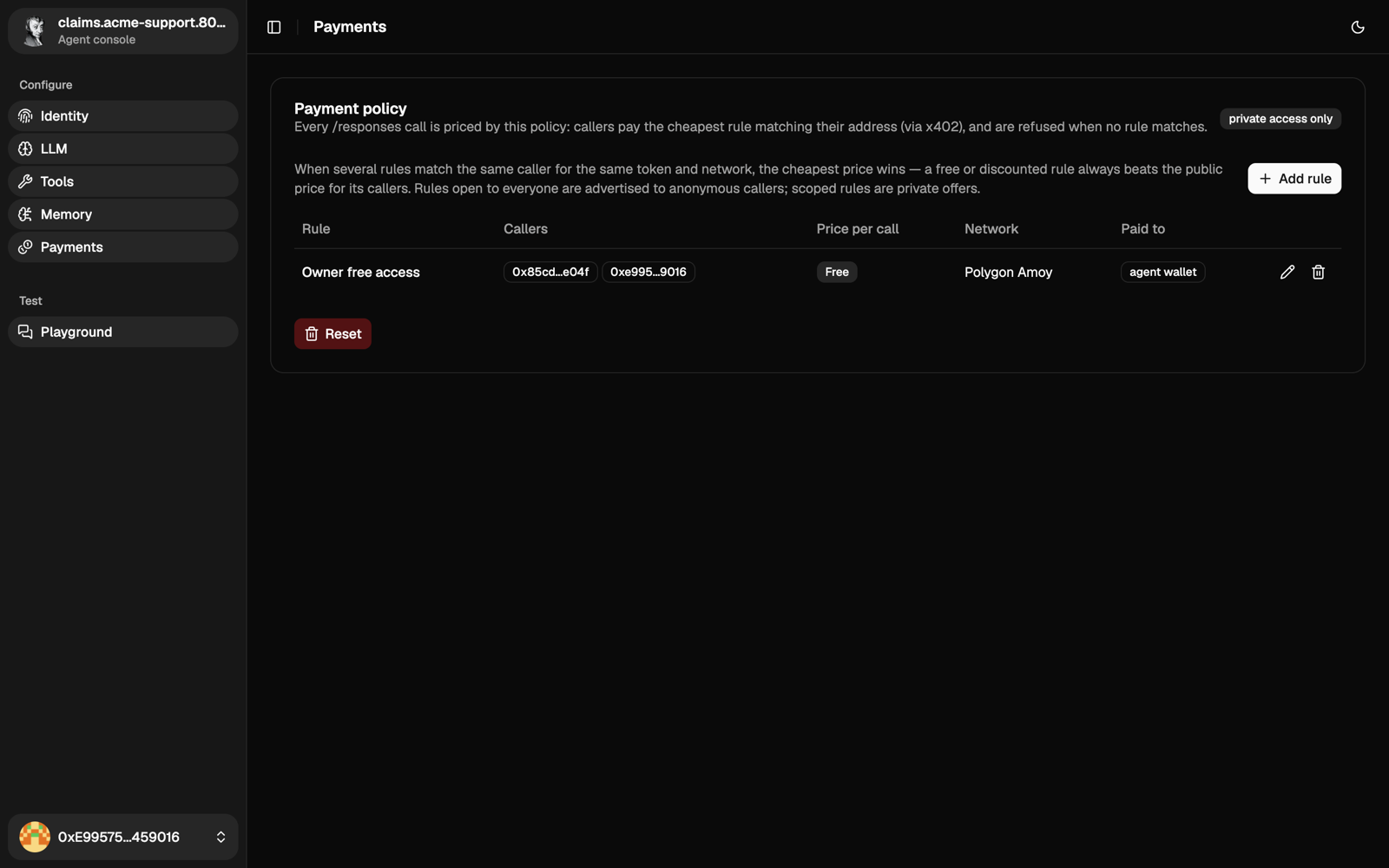
Click Add rule and choose:
- Callers: tick Allow everyone for a public rule, or list wallet addresses for a private one. A free public rule lets anyone use your model credits and the agent's tools.
- Price: in whole tokens (for USDC,
0.01is one cent).0makes it free. Callers still sign, so you know who they are. - Network, token and receiving wallet. Any ERC-20 works on a chain the agent has an RPC for.
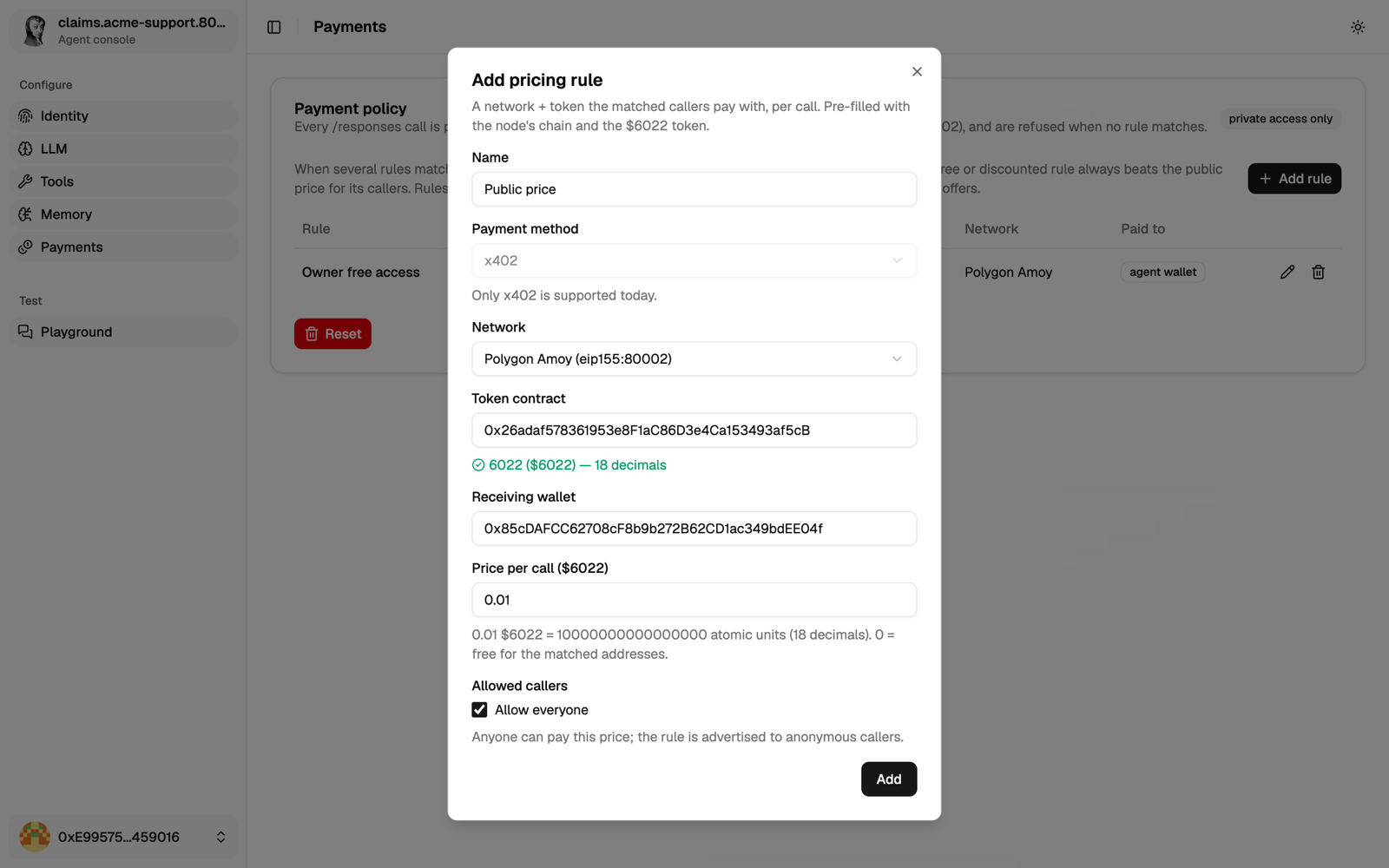
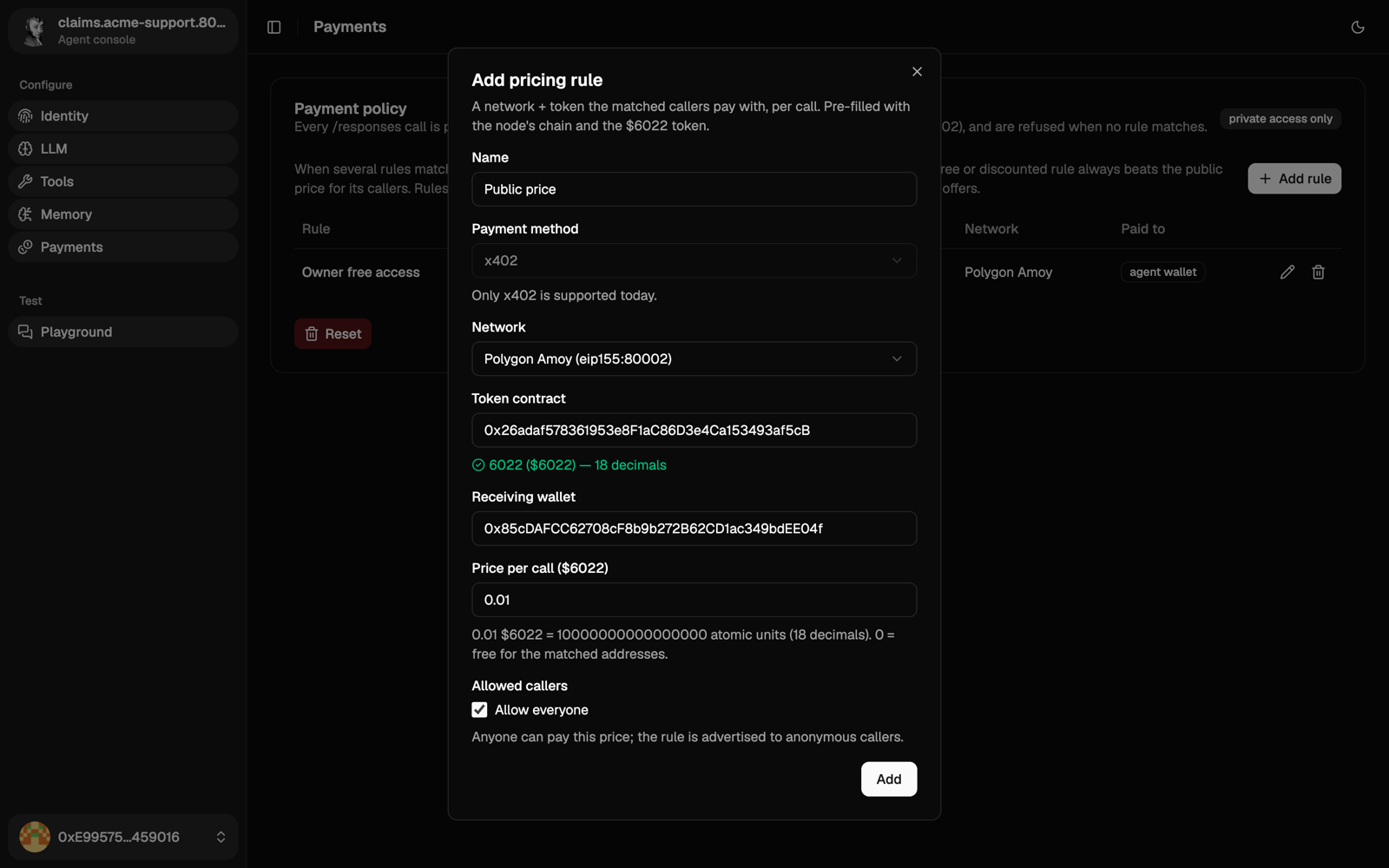
If several rules match a caller, they pay the cheapest. Rules apply to both /api/a2a and /api/responses. Private rules aren't advertised, so give those callers their rule's network, token and receiving wallet yourself.
Receiving real money
Paid rules are settled (the money actually moves) through an x402 facilitator. Whoever runs the agent sets one per chain:
PAYMENT__RECEIVE__FACILITATORS__137__BASE_URL=https://x402.polygon.technology
PAYMENT__RECEIVE__FACILITATORS__80002__BASE_URL=https://x402-amoy.polygon.technology
The agent refuses a paid rule on a chain with no x402 facilitator: such a chain appears in the form only for free rules. If you remove a chain's x402 facilitator, its saved paid rules are no longer offered to callers.
An x402 facilitator for a chain with no RPC stops the agent at startup.
To check it from outside, see Set access and prices.
Spending
The agent can't pay anyone until you write a spending rule. Each rule matches a network, a token and the receiving wallets, and caps:
- each payment;
- optionally, the total over a period, set in seconds (
86400is a day). The page shows how much of the current period is used.
Unlike prices, spending amounts are in the token's smallest unit: for USDC (6 decimals), 1000000 is 1 USDC. A payment must fit every rule that matches it.
To pay, the agent uses the sign_x402_payment tool. It's off by default: turn it on in Tools. The budget is counted when the agent signs, so a call that fails afterwards still counts.
With the API
Both policies have the same routes. Use payment-receive-policy for prices and payment-spend-policy for spending:
| Route | What it does |
|---|---|
GET /api/config/payment-receive-policy/rules | List the rules. |
POST /api/config/payment-receive-policy/rules | Add a rule. |
PUT /api/config/payment-receive-policy/rules/:id | Change a rule. |
DELETE /api/config/payment-receive-policy/rules/:id | Remove a rule. |
Send your token as a bearer token, as in Use the API. The request bodies are in the reference at /api/swagger/.