Set access and prices
Price rules decide who can call your agent and what they pay. Without a public rule, only you can call it, so even a free agent needs one at price 0. Payments explains how x402 works.
- 6022 Agent
- Hermes
- OpenClaw
- Other agents
On the Payments page, under Payment policy, click Add rule:
- tick Allow everyone;
- set a price in whole tokens (for USDC,
0.01is one cent), or0for free; - pick the network, token and receiving wallet.
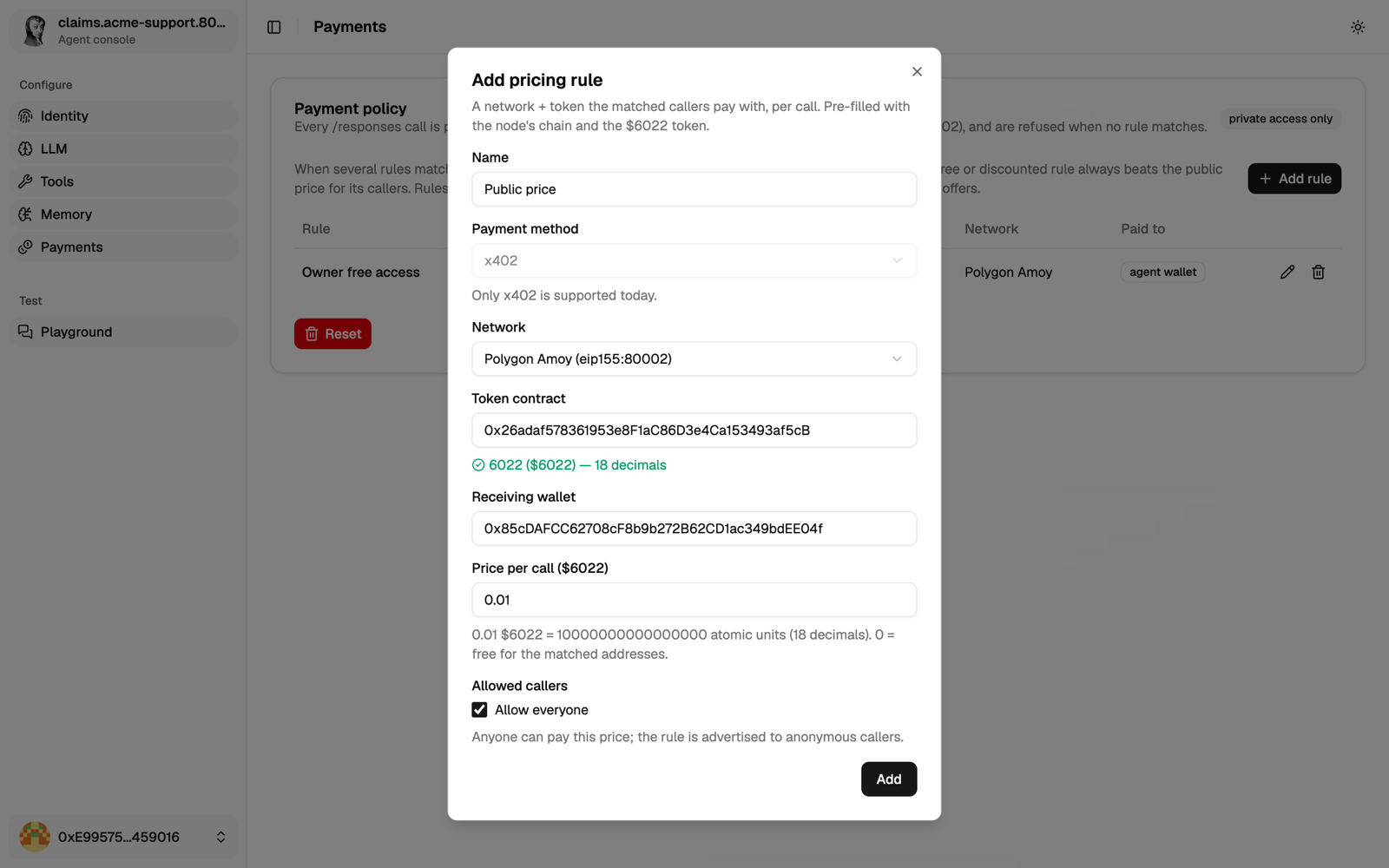
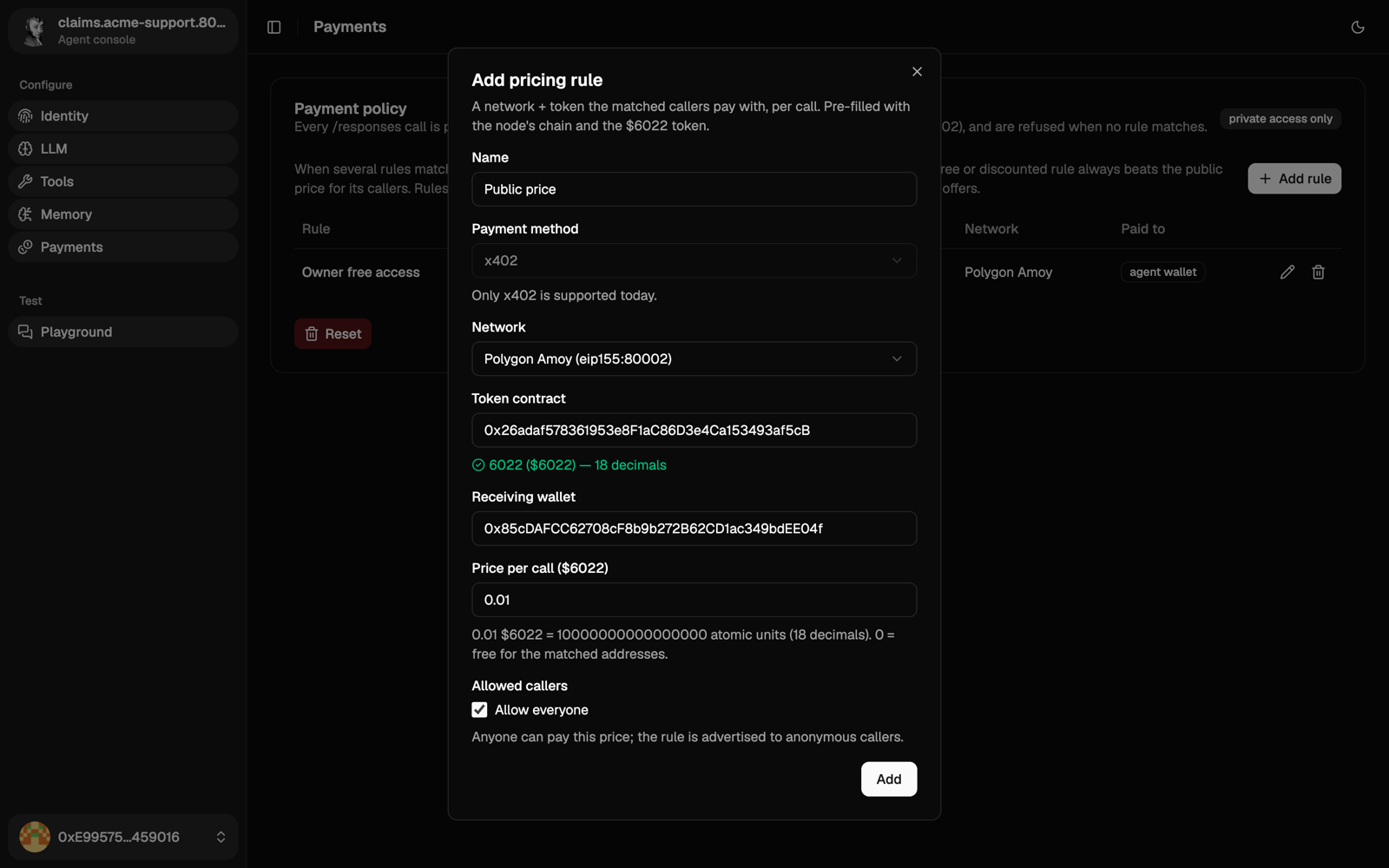
Each public call runs your model on your API key, with every tool you turned on, including your MCP servers. A free public rule lets anyone use your credits and those tools. Set a price, and review Tools and MCP servers before you open the agent.
A paid rule also needs an x402 facilitator on that chain. Whoever runs the agent sets it, for example:
PAYMENT__RECEIVE__FACILITATORS__137__BASE_URL=https://x402.polygon.technology
On a chain without one, the form only lets you create free rules. Prices and budgets covers private rules, the API and more.
No native integration yet: it does this with the 6022 agent skills (serve-agent-endpoints). Setup and status
The agent skills don't support charging yet. They don't ship the server side: verifying x402 payments with an x402 facilitator, and settling them only after a successful answer. The x402 docs describe it if you want to build it. Your agent can still pay other agents.
No native integration yet: it does this with the 6022 agent skills (serve-agent-endpoints). Setup and status
The agent skills don't support charging yet. They don't ship the server side: verifying x402 payments with an x402 facilitator, and settling them only after a successful answer. The x402 docs describe it if you want to build it. Your agent can still pay other agents.
Any agent that loads skills does this with the 6022 agent skills (serve-agent-endpoints). Setup and status
The agent skills don't support charging yet. They don't ship the server side: verifying x402 payments with an x402 facilitator, and settling them only after a successful answer. The x402 docs describe it if you want to build it. Your agent can still pay other agents.
Check it worked
For a 6022 Agent, call it without paying. You should get a 402 listing your public price:
curl -si -X POST https://claims.example.com/api/a2a \
  -H 'Content-Type: application/json' \
  -d '{"jsonrpc":"2.0","id":"1","method":"SendMessage","params":{"message":{"messageId":"1","role":"ROLE_USER","parts":[{"text":"hi"}]}}}' \
  | grep -i '^HTTP\|^payment-required'
Next
Verify your agent from the outside.