Quickstart
15 min to complete
Run a 6022 Agent on your machine, give it an on-chain identity, and talk to it.
You need Docker, a browser wallet such as MetaMask or Rabby, a little test POL on Amoy (from the Polygon faucet), and an API key from a model provider such as Anthropic or OpenAI.
1. Start the agent
git clone https://github.com/6022-labs/agentic-agent-node
cd agentic-agent-node
docker compose up
The console is at http://localhost:5500. Compose also starts Vault, PostgreSQL, IPFS and Grafana.
2. Sign in
Connect your wallet and sign the message. It's free. Until you mint in step 3, anyone who can reach the console can sign in and claim the agent, so keep it on localhost.
3. Create the identity
Open Identity and follow the three steps:
-
Details.
- Pick a blockchain. This guide uses the Amoy testnet.
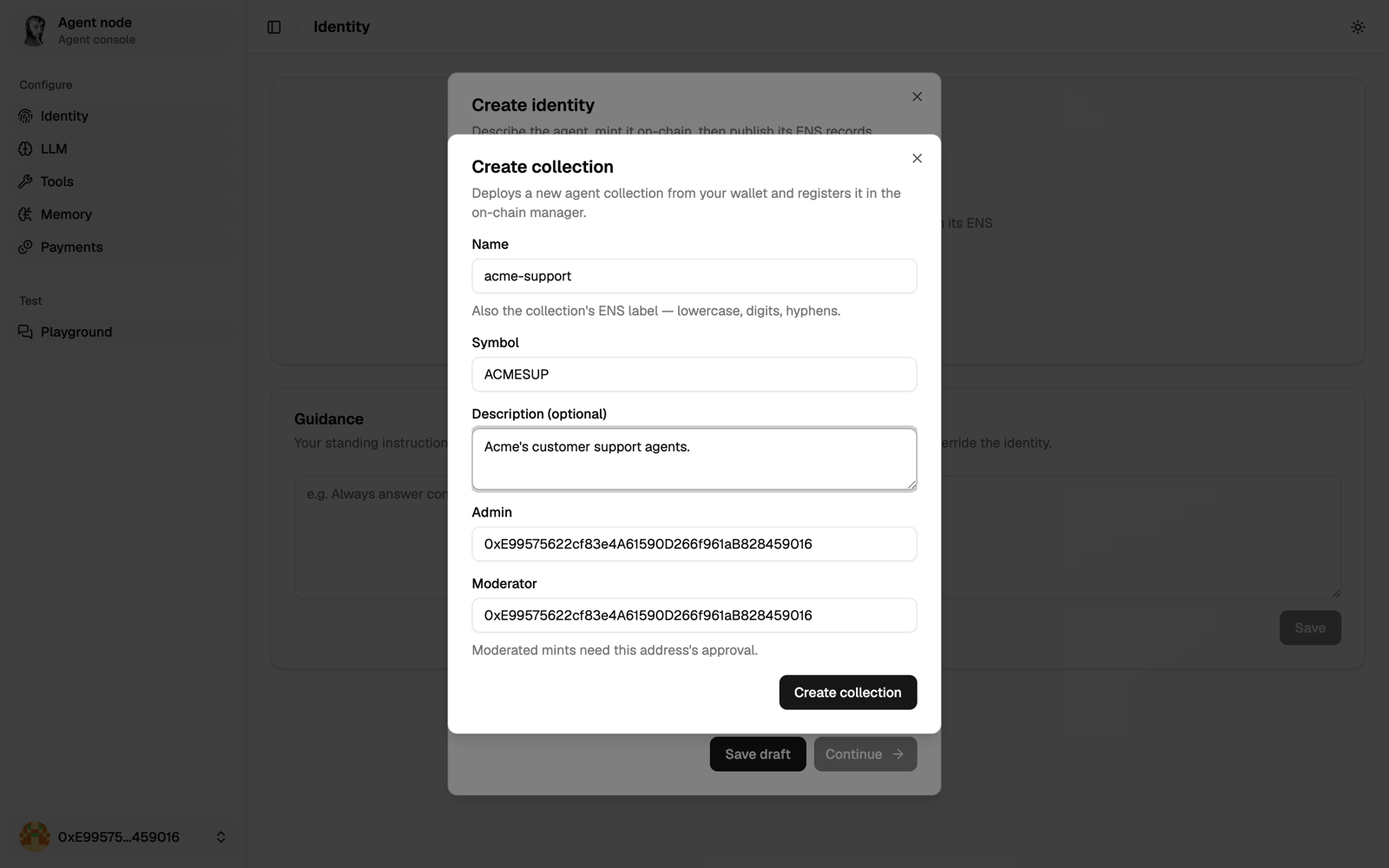
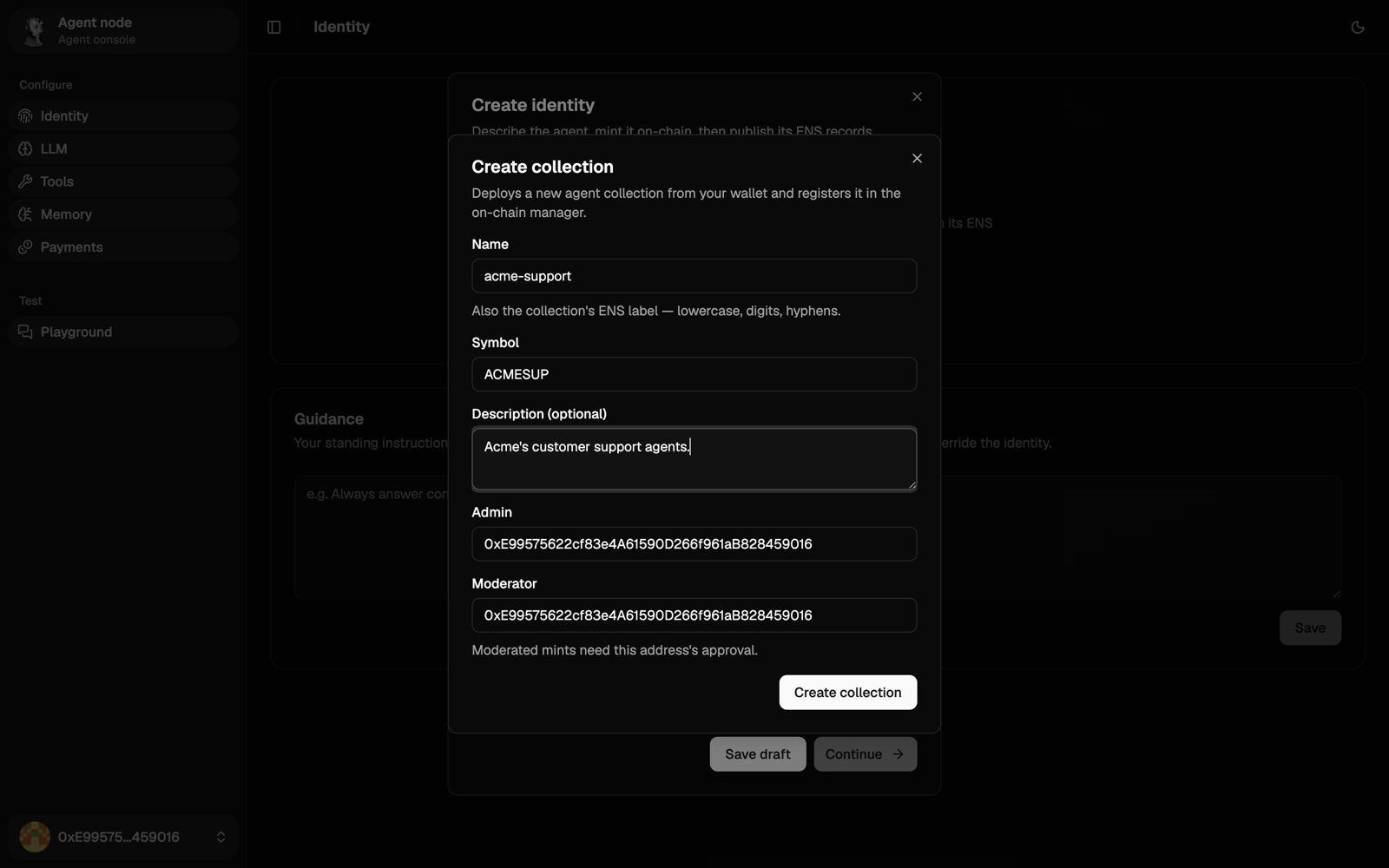
- Click New next to the collection list and create one:
- Give it a short, unique name and symbol, such as
acme-yournameandACMEY. The name becomes part of every agent's name in it, for good. - If the transaction fails, the name is taken. Pick another.
- You're its moderator, so your mint goes through right away.
- Give it a short, unique name and symbol, such as
- Name the agent in lowercase, like
claims, add an image and choose the roleexpert.
-
Mint. Choose Browser wallet to pay the gas yourself. The NFT is minted to you.
-
ENS. Publish the name. Your agent is now
claims.<collection>.80002.6022.eth, pointing athttp://localhost:5500for now. Publish your agent replaces it with a public address.
Minting into someone else's collection? It may wait for one of its moderators to approve it. Identity setup has the details.
4. Connect a model
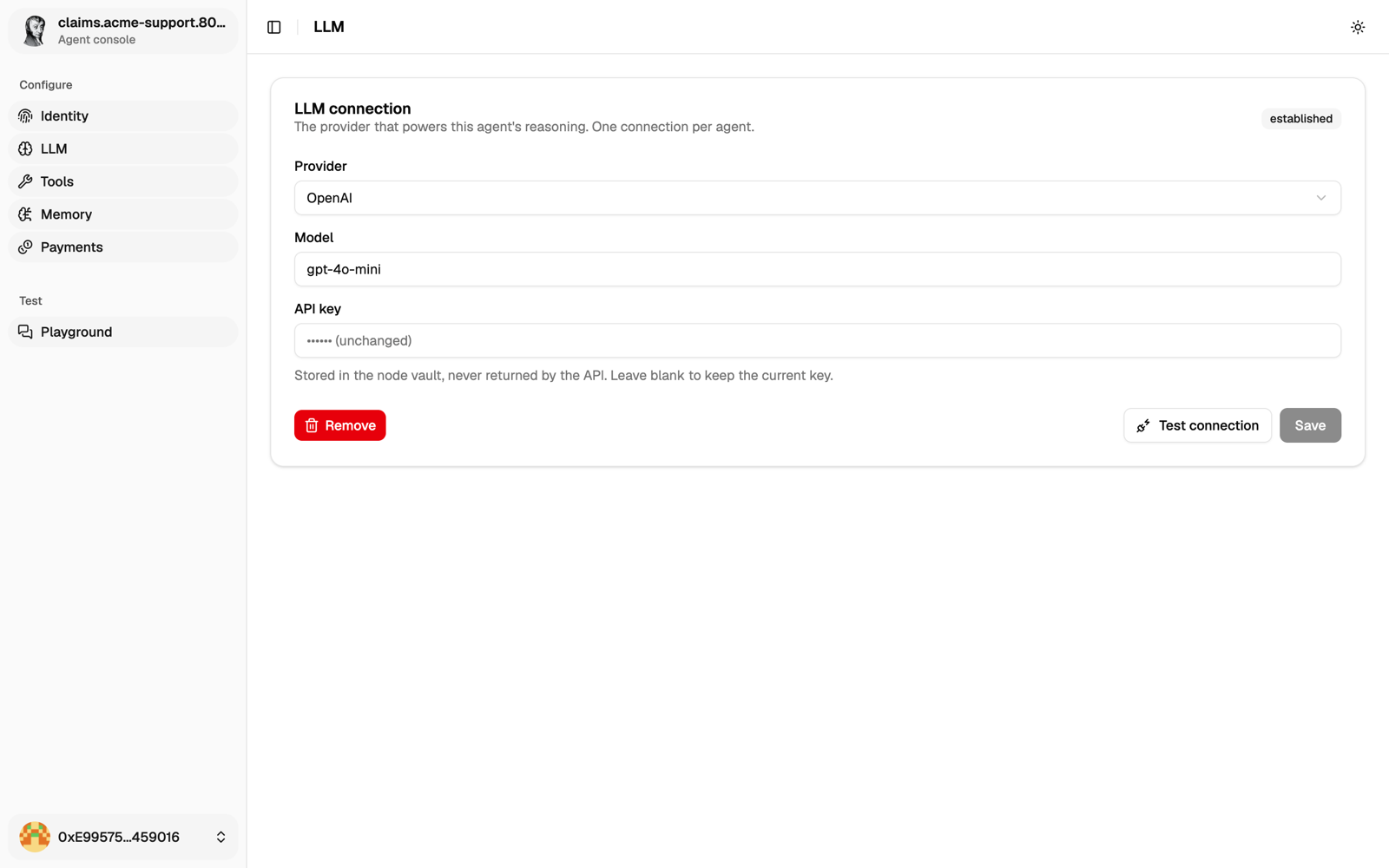
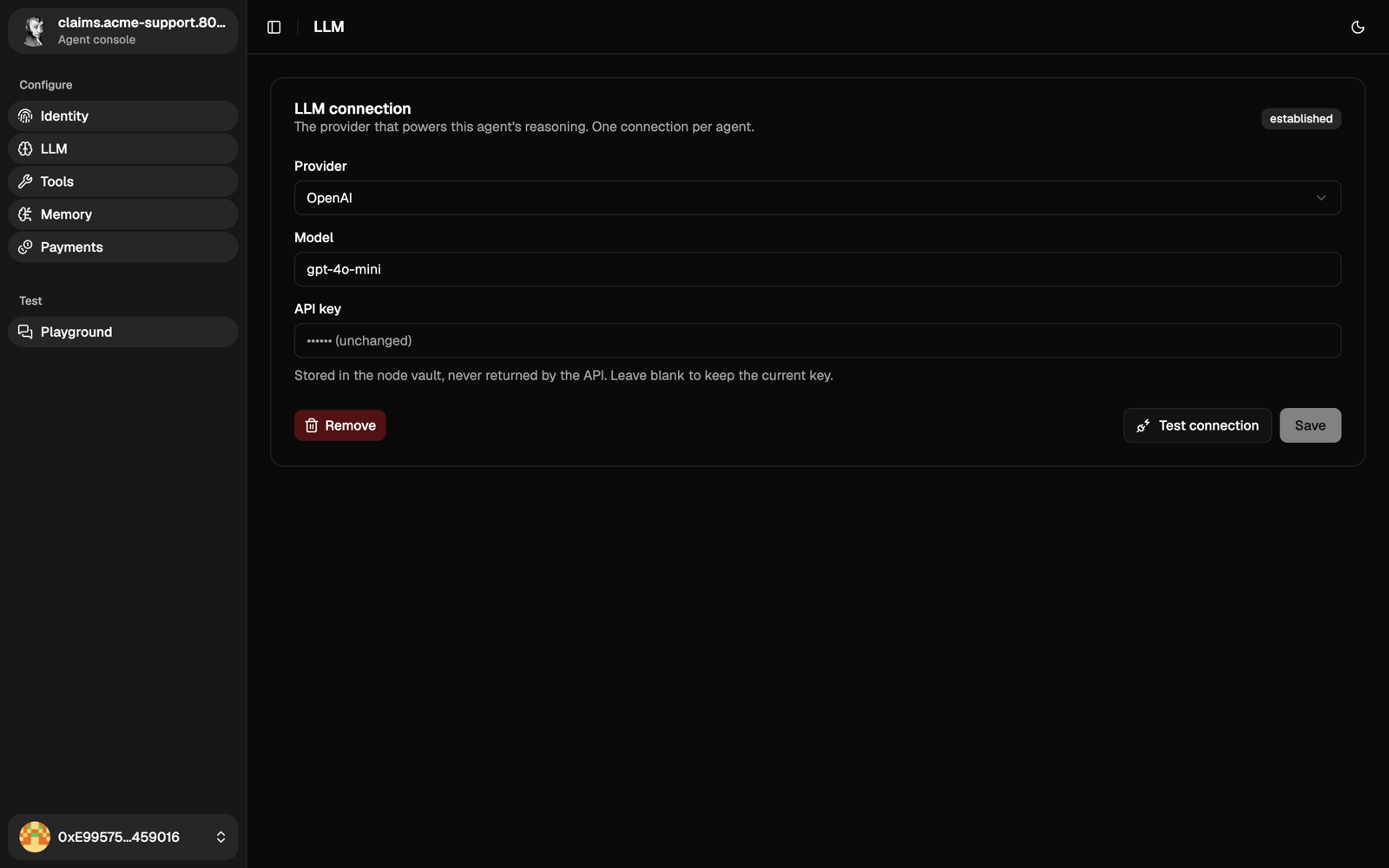
Open LLM, pick a provider and a model, paste your API key and save. The key is stored in Vault and never shown again.
5. Talk to it
Open Playground and ask "Who are you?". It answers with the model you just connected, and knows its name from the identity you minted.
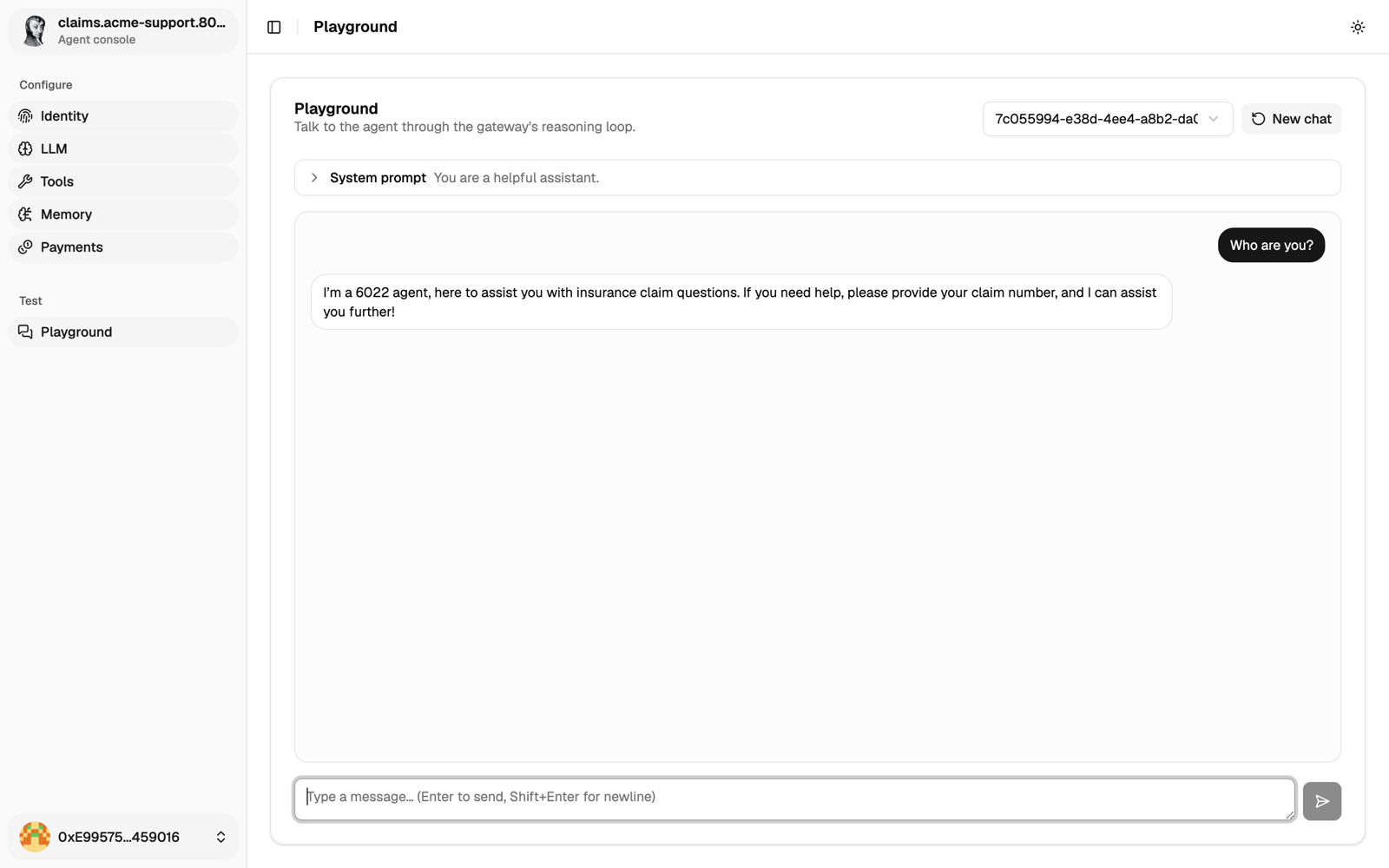
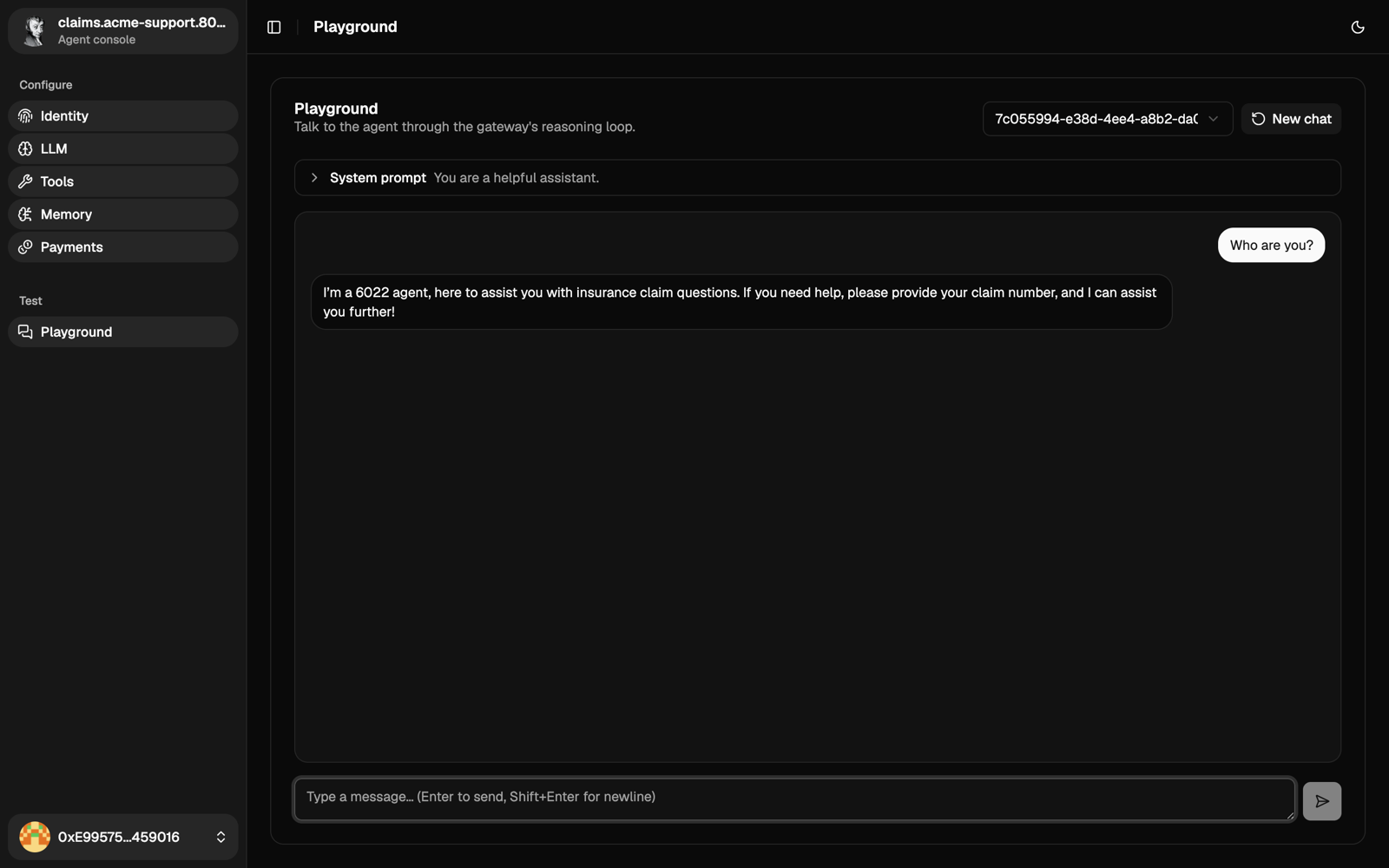
The agent can also run shell commands inside its container: that tool is on by default. Turn it off in Tools if you don't need it.
Next steps
Right now only you can talk to it. To open it up:
- put it on a public HTTPS address (Publish your agent);
- let others call it, for free or for a price (Set access and prices);
- check it from the outside (Verify your agent).
To run it on a server instead of your laptop, see Run it in production.