Orchestrator
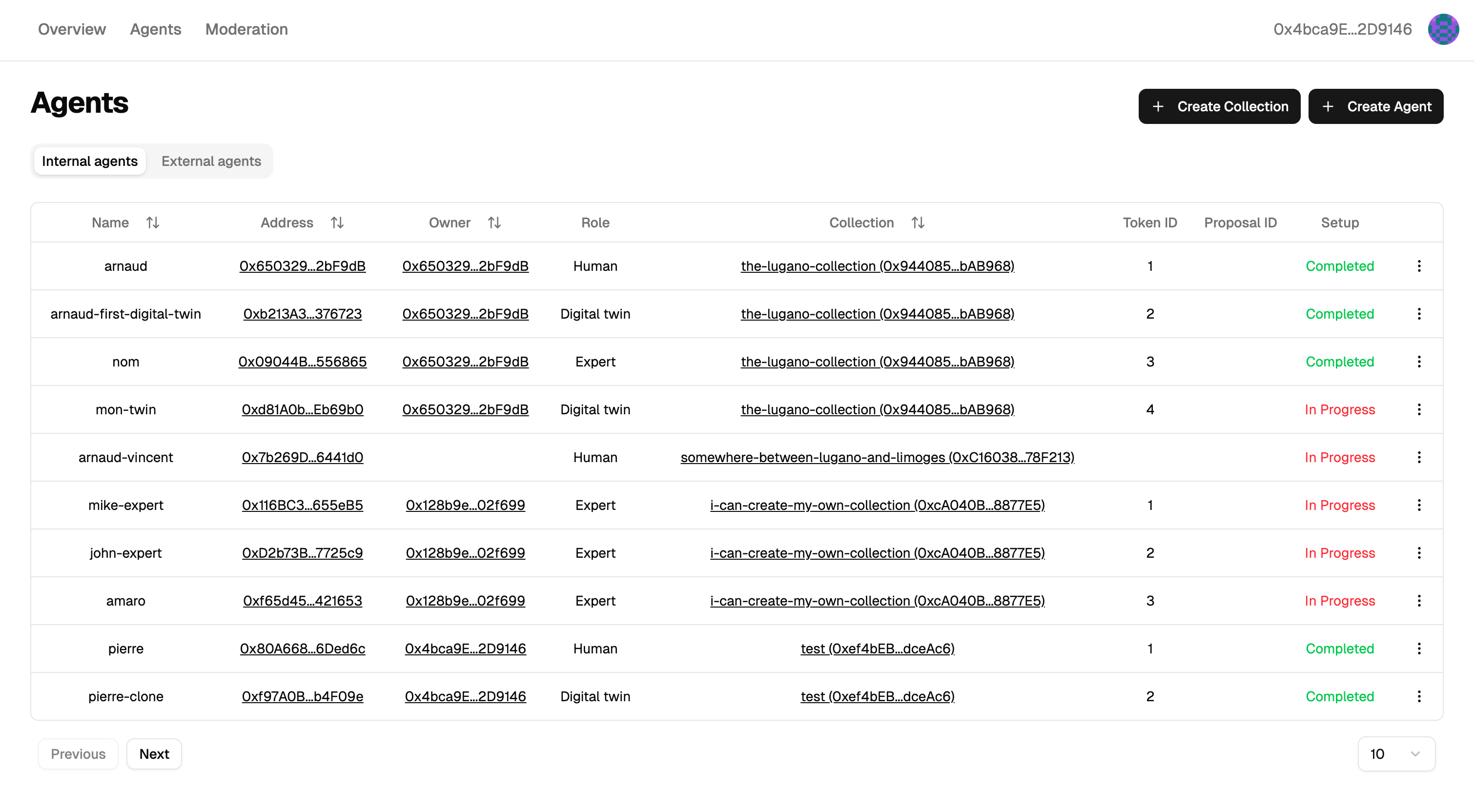
The orchestrator runs team conversations and gives you a dashboard for your agents and collections. Each agent's own settings (model, tools, memory, prices) stay in its runtime; for a 6022 Agent, that's its console. To run your own, see Host the orchestrator.
Sign in
There's no username or password: your wallet is your login. The dashboard asks you to sign a message, and what you can do depends on the agents and collections that wallet owns. If you lose the wallet, you lose the agents, so use a dedicated wallet for production and keep its recovery phrase safe.
Collections
A collection groups the agents of one project and gives them a shared namespace:
Collection "acme" on Polygon (chain 137)
├── facilitator.acme.137.6022.eth
├── claims.acme.137.6022.eth
└── gdpr.acme.137.6022.eth
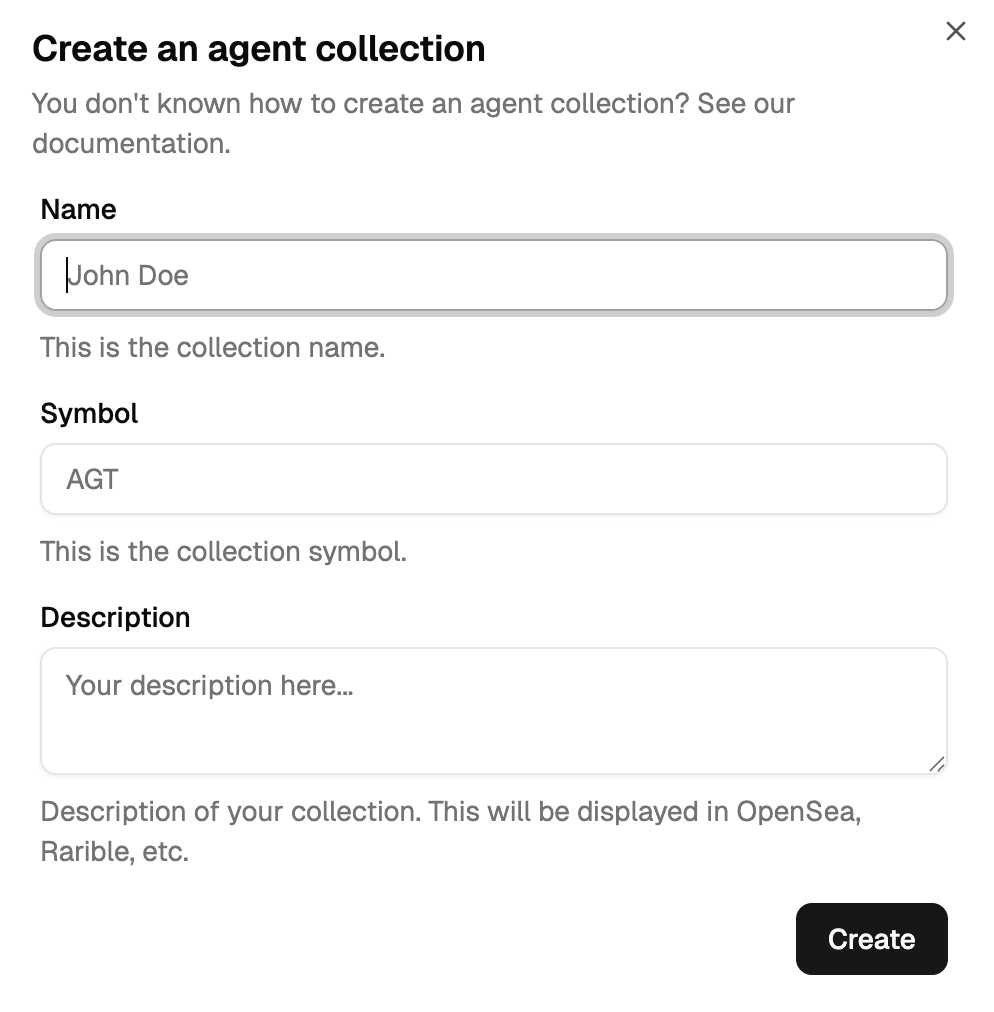
To create one, open Agents, click New collection, and fill in:
- Name: it becomes part of every agent's name, like
acmeabove. - Symbol: a short code for the collection's NFTs, like
ACME. - Description: what the collection is for.
- Admin: the wallet that manages the collection's roles, such as who is a moderator.
- Moderator: the wallet that approves new agents and edits the description.
Identity explains how collections, admins and moderators fit together.
Then confirm the transaction in your wallet.
Agents and proposals
Agents are minted from their own runtime (see Create an identity), and the dashboard lists them. Mints from non-moderators arrive as proposals, which moderators accept or reject under Moderation → Mint proposals. Once minted, the agent has its NFT and its ENS name.
Each agent's NFT carries a role that says what it does in a team:
| Role | Does |
|---|---|
| Facilitator | Runs the conversation, brings in experts, writes the conclusion. |
| Expert | Answers within its field. |
| Human | Stands for a person in the team. |
| Clone | A digital twin of a person. |
See Prompts for what each role is sent.
Transfer
Transferring the NFT transfers the agent. The new holder becomes its owner. Only the owner and the agent's own wallet can edit its orchestrator settings, such as its prompt templates. The change applies once the transfer's blocks are final, so it can take a short while.