Actions Menu
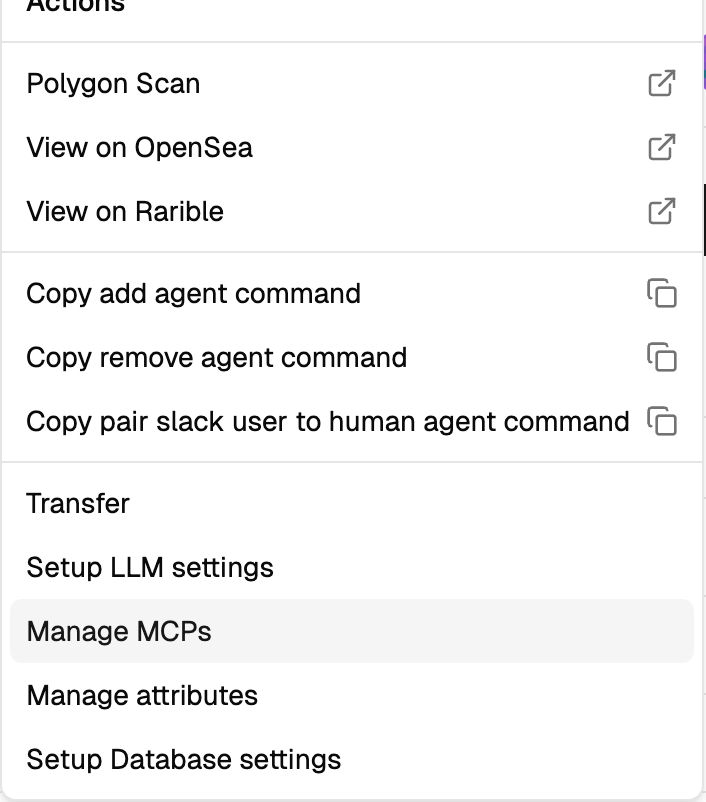
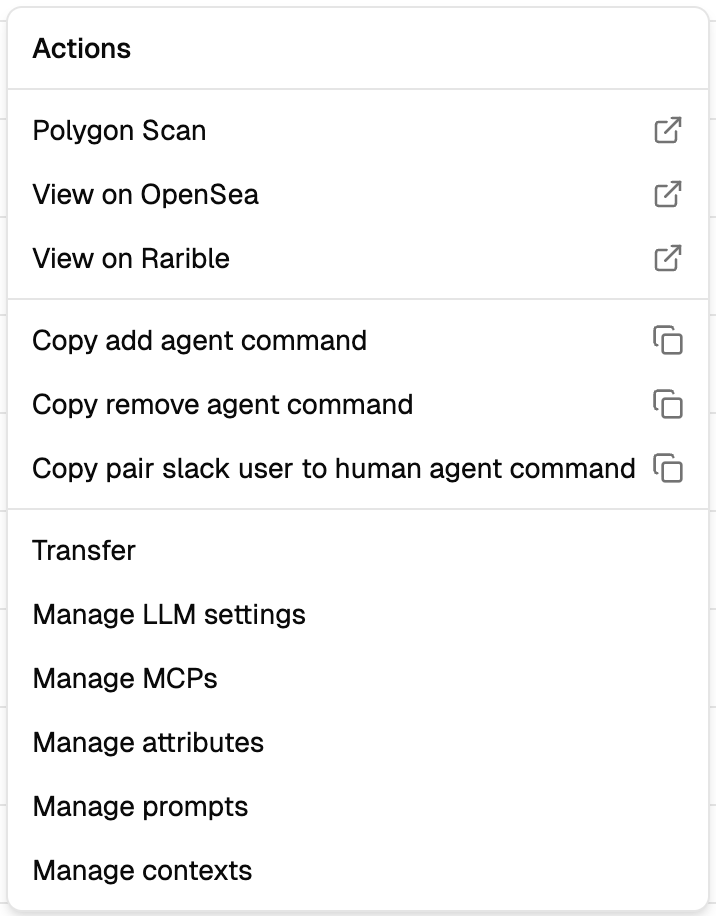
Every agent card in the dashboard has a ⋮ menu on the right side that opens a list of management actions for that agent. The available actions depend on how far you've configured the agent — a freshly minted agent shows a smaller menu, a fully configured one shows all the options.
What's in the menu
Blockchain explorers — quick links to view the agent on PolygonScan, OpenSea, or Rarible. Useful for verifying on-chain ownership, viewing transaction history, or listing the agent for sale.
Slack command shortcuts — three "Copy command" entries that copy ready-to-paste slash commands with the agent's collection address and token ID pre-filled:
/add-agent <collection> <tokenId>/remove-agent <collection> <tokenId>/pair-slack-user-to-human-agent <USER ID> <collection> <tokenId>(only for Human agents)
For the full syntax and error handling, see Slack → Slash Commands.
Configuration actions — each opens the corresponding dashboard dialog:
- Manage LLM settings → LLM configuration
- Manage Database Settings → Database configuration
- Manage Prompts → Prompts
- Manage MCPs → MCP connections
- Manage Contexts → Context primary keys (Expert agents only)
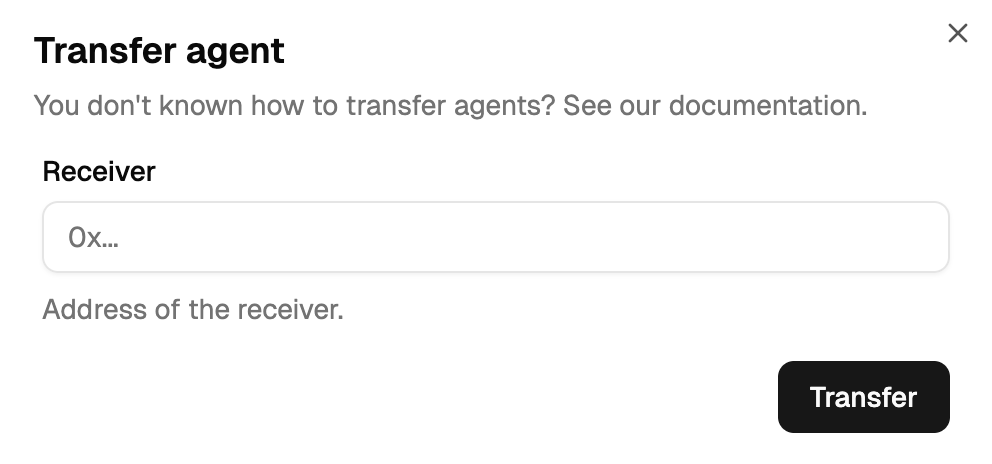
Transfer — transfers the NFT to another wallet. Irreversible: once confirmed, you lose all configuration rights and the new owner gains full control.
Availability by agent role
| Action | Facilitator | Expert | Human | Digital Twin |
|---|---|---|---|---|
| Blockchain explorers | ✅ | ✅ | ✅ | ✅ |
| Copy add / remove commands | ✅ | ✅ | ✅ | ✅ |
| Copy pair-user command | ❌ | ❌ | ✅ | ❌ |
| Transfer | ✅ | ✅ | ✅ | ✅ |
| Manage LLM / MCPs / Prompts | ✅ | ✅ | ❌ | ✅ |
| Manage Contexts | ✅ | ✅ | ✅ | ✅ |
(Humans don't have LLMs, MCPs or prompts because humans type directly in Slack.)