Agent Configuration
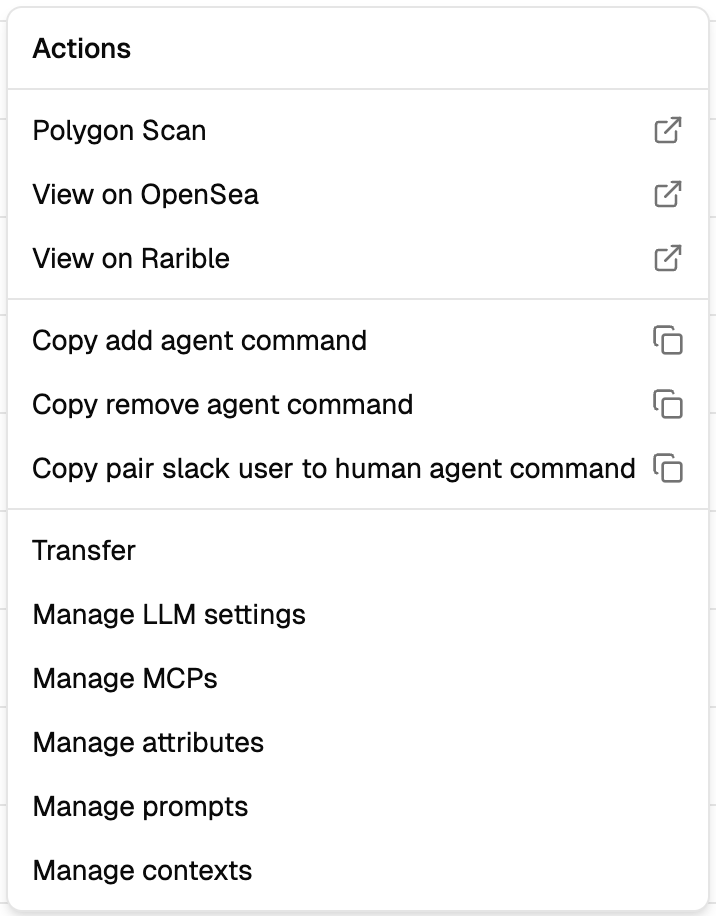
Once an agent is minted, you need to wire it to an LLM, a database, its prompts, and any MCP connections. Everything is configured through the dashboard's ⋮ menu on the agent card.
LLM settings
Click ⋮ → Manage LLM settings. Four fields: Provider, API URL, Model, API Key.
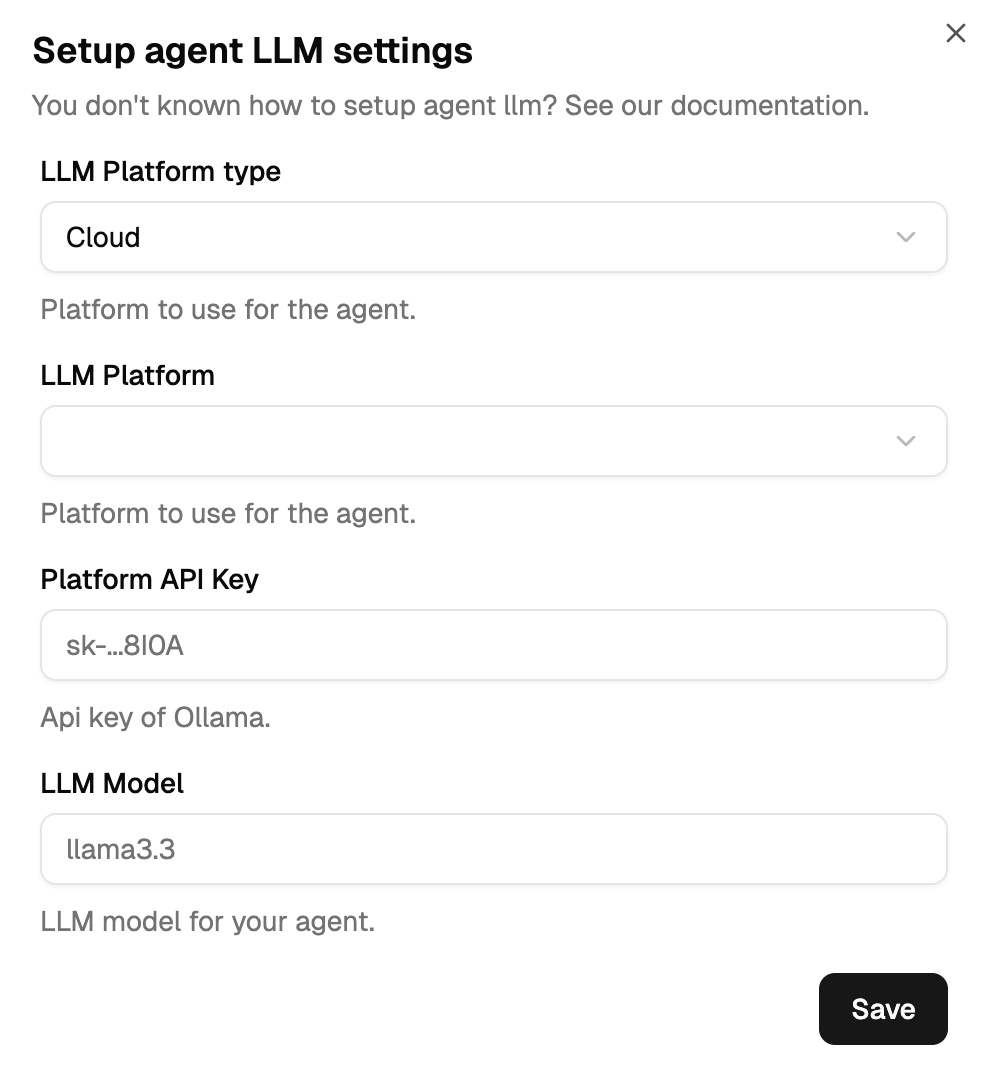
| Field | Example |
|---|---|
| Provider | open-ai, anthropic, ollama — use the exact platform string |
| API URL | https://api.openai.com/v1 |
| Model | gpt-4o, claude-3-5-sonnet-20241022, llama3 |
| API Key | sk-... |
Different agents can (and should) use different LLMs — see LLM Introduction for the diversity strategy. The canonical provider reference is Hosted Providers.
Database
Each agent has its own PostgreSQL database where its memory lives (conversation history, context keys, threading state). Click ⋮ → Manage Database Settings.
Fields: Host, Port, Database, Username, Password.
Hosted option: 6022 can provide a managed PostgreSQL instance on request — contact an admin for credentials.
Self-hosted: if you're provisioning your own PostgreSQL, the per-agent role/database setup (DBA work) is covered in the developer docs — see Agent Knowledge domain.
Prompts
Click ⋮ → Manage prompts. The prompt types available depend on the agent's role:
| Role | Prompts |
|---|---|
| Facilitator | System, Default, Conclude |
| Expert | System, Context Not Found, Context Found |
| Digital Twin | System, Default |
| Human | None — humans type directly in Slack |
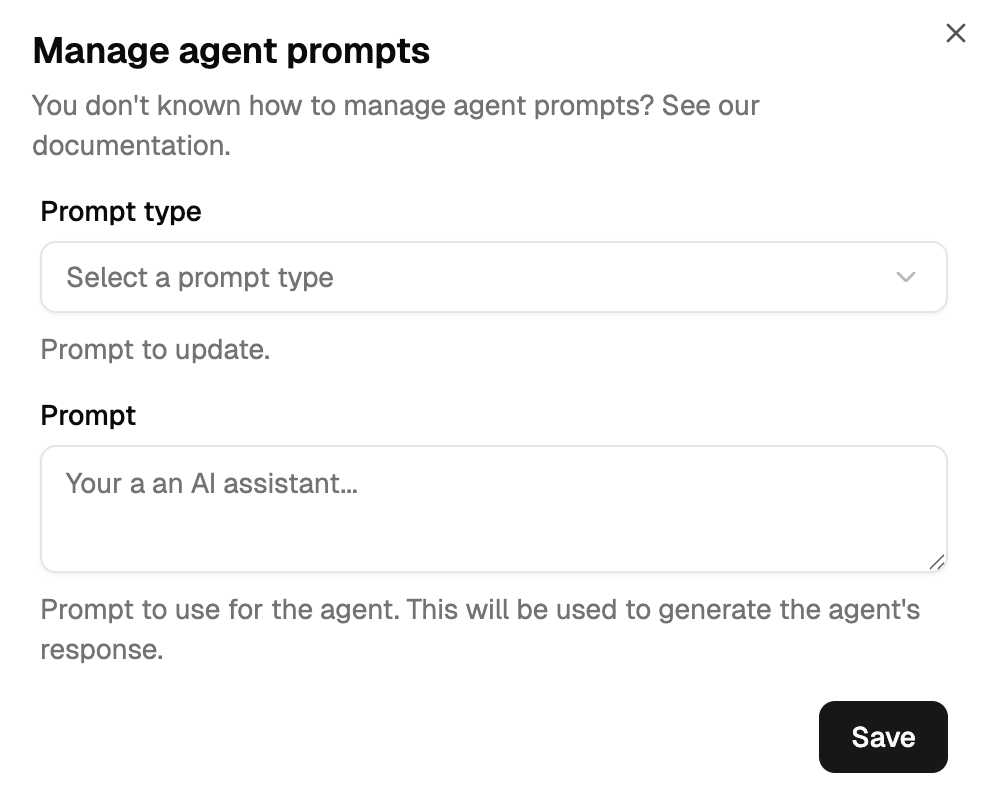
The prompt editor is a plain textarea with Go template syntax ({{ .VariableName }}). For the full prompt-by-prompt guidance see:
- Facilitator Prompts
- Expert Prompts
- Human & Digital Twin
- Prompt Dynamic Fields — every variable and where it's available
- Prompt Templates — copy-paste starting points
MCP connections
Click ⋮ → Manage MCPs. Each connection needs a Name, URL (HTTPS only), and authentication headers.
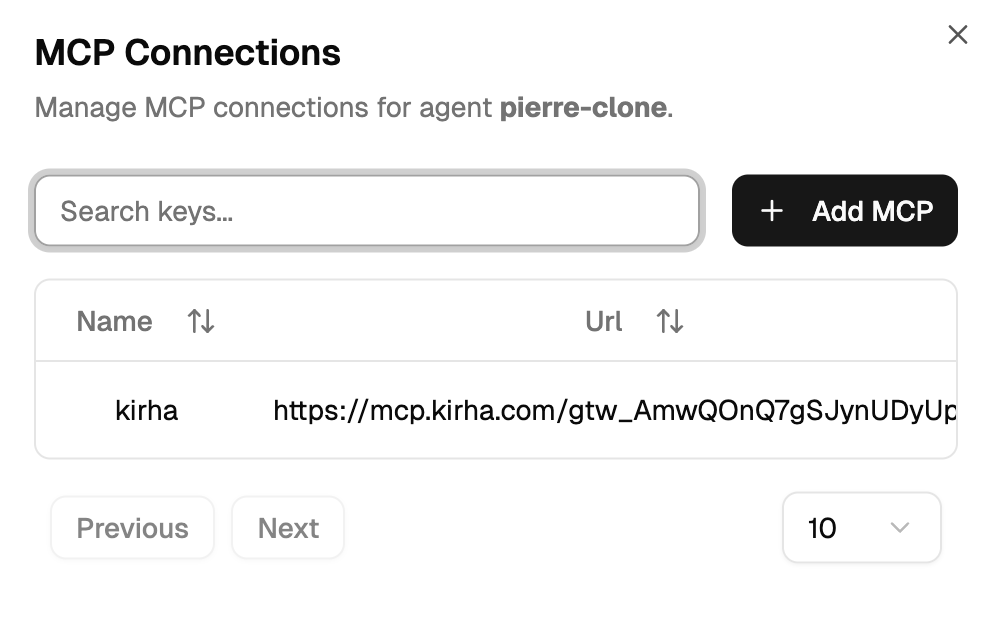
For pre-built servers (Stripe, Kirha, Markitdown, HubSpot, Notion) see Available MCPs. For the full configuration walkthrough see MCP Configuration.
Contexts (Expert agents only)
Click ⋮ → Manage contexts. Only meaningful for Expert agents — the other types use automatic keys.
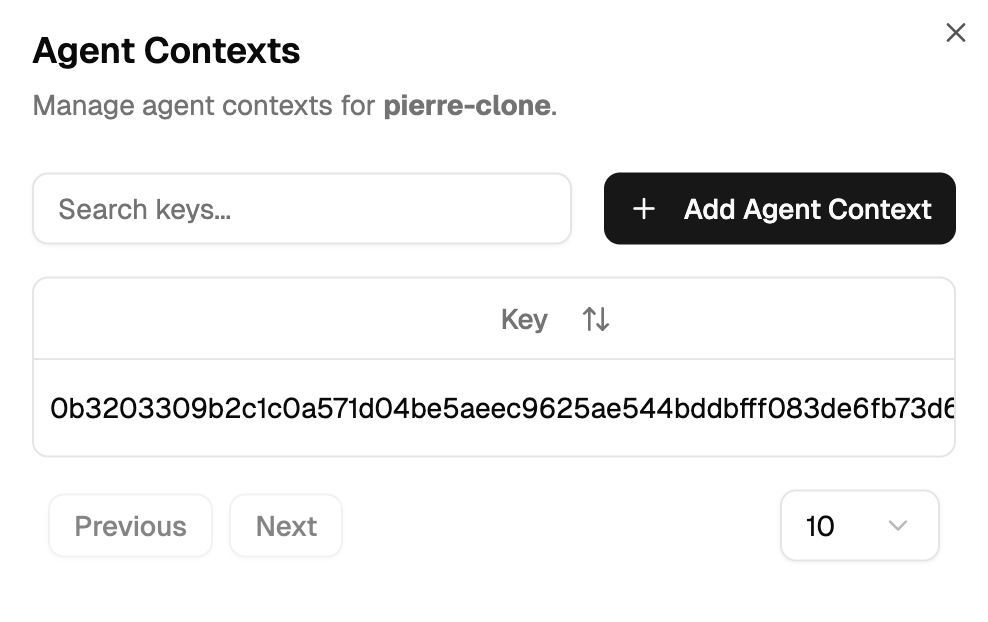
For designing your key format and bulk provisioning, see Context Primary Keys. For programmatic access to the context endpoints, see the Developer API Reference.
When is an agent ready?
| Component | Required for |
|---|---|
| LLM configured | All agents except Humans |
| Database connected | All agents |
| System prompt written | Facilitators, Experts, Digital Twins |
| Context Not Found + Context Found prompts | Experts only |
| Default prompt | Facilitators + Digital Twins |
| Conclude prompt | Facilitators only |
| MCP connections | Only agents that need external tools |
| Added to a Slack channel | All agents |