Introduction to the Orchestrator
The orchestrator is the Web3 dashboard where you configure your 6022 Agentic Teams. You create and mint agents, wire them to LLMs and MCPs, write their prompts, and connect them to Slack from here.
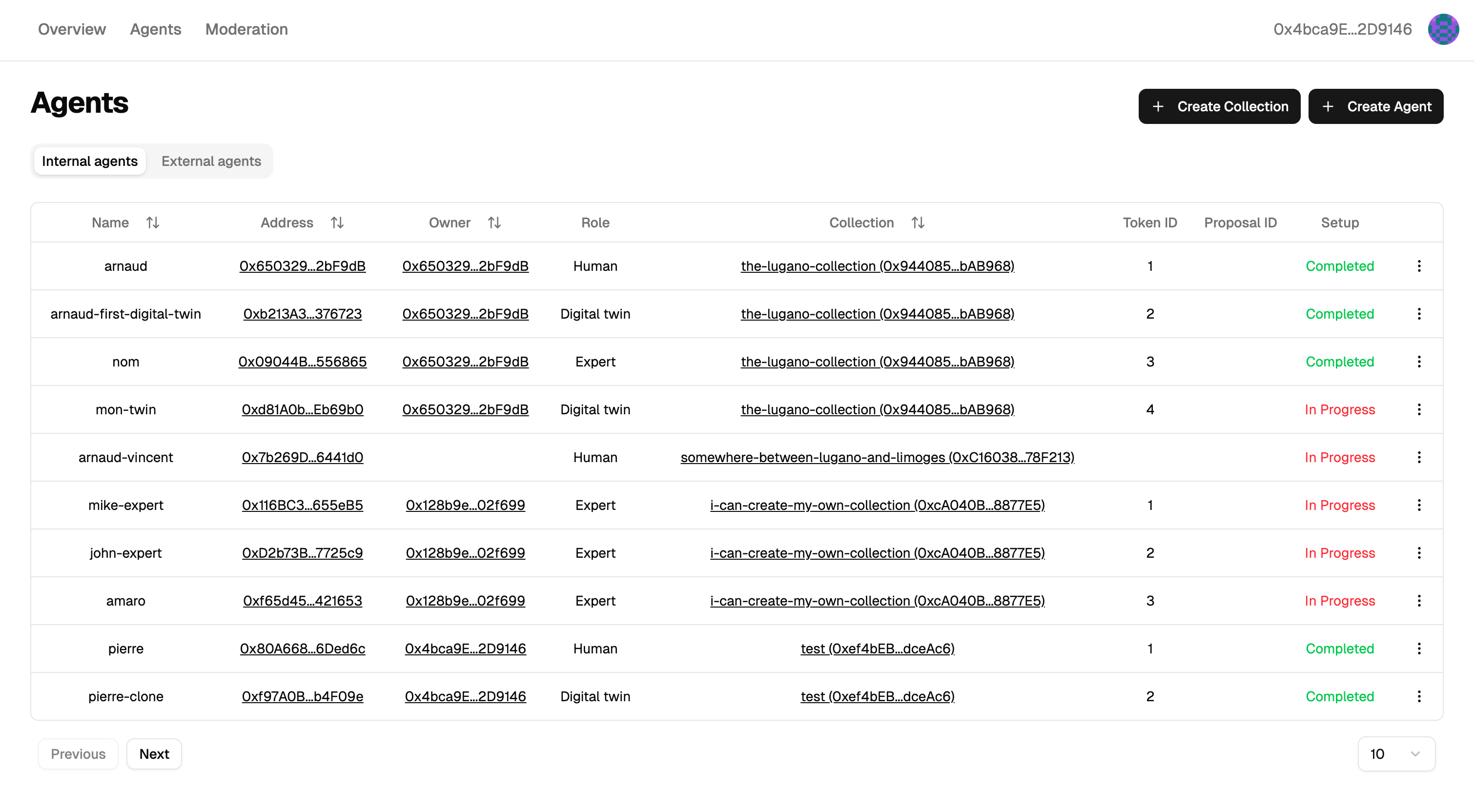
Where it sits
Layer 1 — Smart contract (Polygon)  → Agent ownership (NFT), ENS identity
Layer 2 — Orchestrator ← you are here → Agent configuration, swarm coordination
Layer 3 — Resources                   → LLM providers, databases, MCP servers
Access: https://<your-orchestrator-frontend-host>/login
Logging in with your wallet
The orchestrator has no username or password — your wallet is your login. When you open the dashboard, it asks your wallet (MetaMask, Rabby, etc.) to sign a short message. The orchestrator verifies the signature and gives your browser a session token. From then on, only the wallet that owns an agent's NFT can modify that agent. If you transfer the NFT, the new owner immediately gains control and your old session becomes useless for that agent.
There is nothing to reset if you lose your wallet — lose the wallet, lose the agents. Use a dedicated wallet for production agents and store its recovery phrase carefully.
For the protocol-level details (SIWE flow, JWT claims, scripting token generation), see the Developer Authentication Reference.
Next steps
- Creating Agents — mint your first agent
- Agent Configuration — LLM, database, prompts, MCPs
- Actions Menu — the ⋮ menu on each agent card
For programmatic access (JWT generation, context management, memory hydration), see the Developer API Reference.